
Give volunteers instant payment tools
Keep every transaction connected
See how this feature can simplify your next fundraiser.


See how this feature can simplify your next fundraiser.
Find the donor or payment, choose Tap to Pay, and accept the contactless payment through the PayBee app.

Find your donor in your campaign settings. You can also find them through the specific item your supporter is looking to purchase or an outstanding cart that they currently have with PayBee under your organisation. If the donor doesn’t exist yet, you can create a new one by selecting the option to add a new donor.

Under this setting, you will then be able to choose the payment method that you would like them to use. At this point, you will choose the option for card payments and Tap to Pay.

Since you will have already set Tap to Pay up (as per the activation process stated before this), you can enter the amount you want to charge the donor into the app and then present them with your phone once you have confirmed it. All the guest needs to do is bring their phone (with their digital wallet open) or physical card up to the top of your phone and tap it lightly for the payment to go through. Once it has been processed and confirmed, you will both get a notification to let you know that everything has gone through successfully.
Ready to turn these steps into a smoother workflow?
Accept donations and event payments quickly while keeping donors, carts, campaigns, and reporting connected in PayBee.
Bring these capabilities together in one connected platform.
Tap to Pay donations come in handy for accepting payments from guests around the entirety of your chosen venue, for raffle sales, selling tickets at the door, merchandise, and any add-on purchases that you offer. As a result, it works well as a payment method for everything from galas and auctions to community events and school fundraisers.

The great thing about using a tap-to-donate service to accept payments is the fact that you don’t need a separate card reader or additional equipment. All you need is a compatible smartphone, and you’re good to go for the night. However, that doesn’t mean it’s a total replacement for every other form of payment.
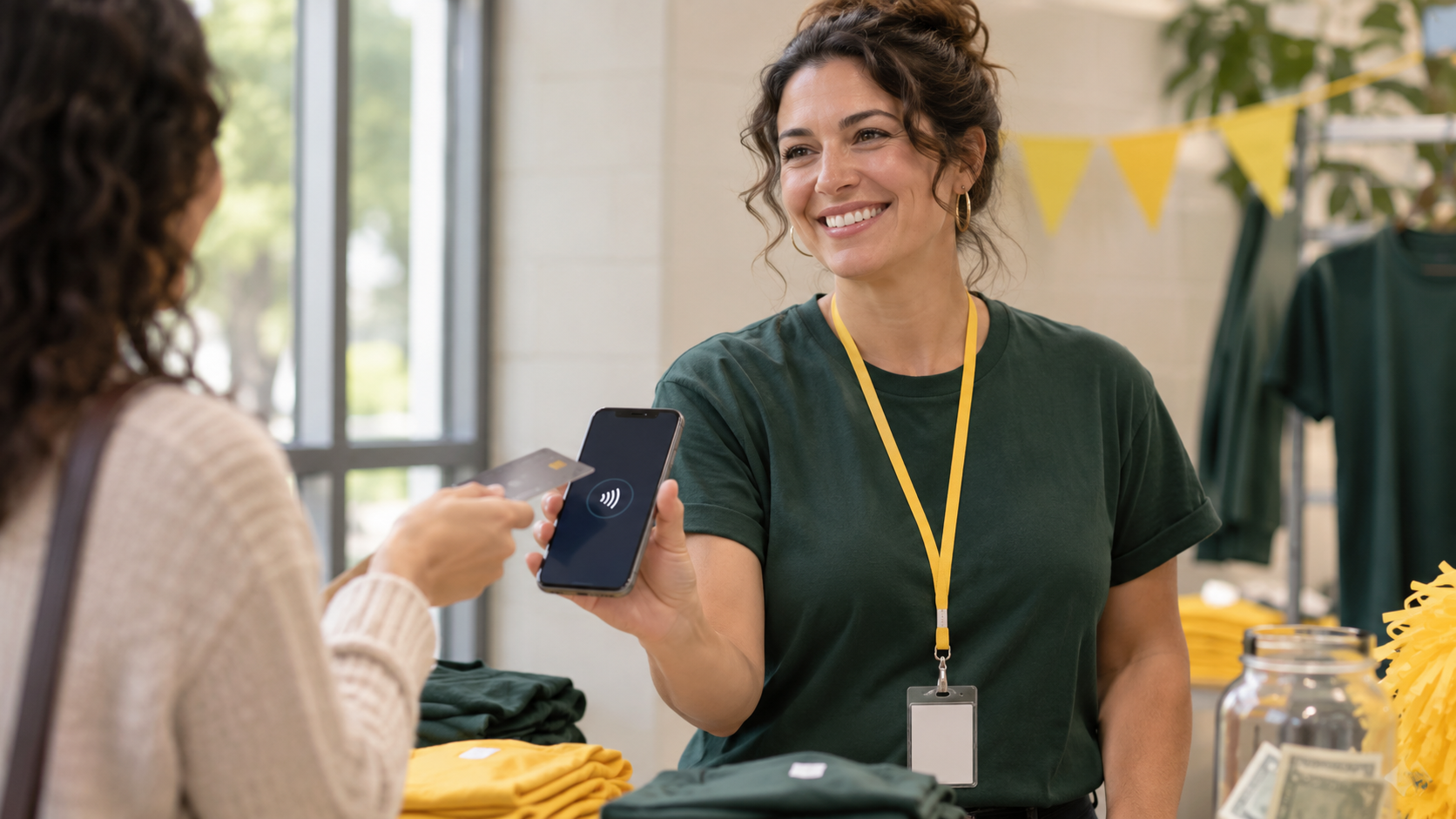
You have the ability to give your volunteers as much access as you like, and you are able to restrict their capabilities where you feel it’s necessary through the ‘Volunteer’ section of the PayBee dashboard.

Once the card has been tapped, the payment will be processed and authorised before the third-party processing fees are taken and the money is deposited into your PayBee account. Payments tend to be made visible and available daily, and withdrawals can take up to 72 hours to go through and be authorised.

Put these tools to work for your fundraising team.
| Capability | How PayBee helps |
|---|
Explore how PayBee can support your full fundraising workflow.
With our strong support for nonprofit organisations and a myriad of payment methods to choose from, you can’t go wrong with PayBee. Our Tap to Pay feature is one of our best additions, and we would love for you to check out our free demo and experience just how easy it is to set up and get started. It’s time to make your nonprofit stand out with PayBee.
See Tap to Pay in actionQuestions, answered
Still deciding? See the platform in action or start building today.