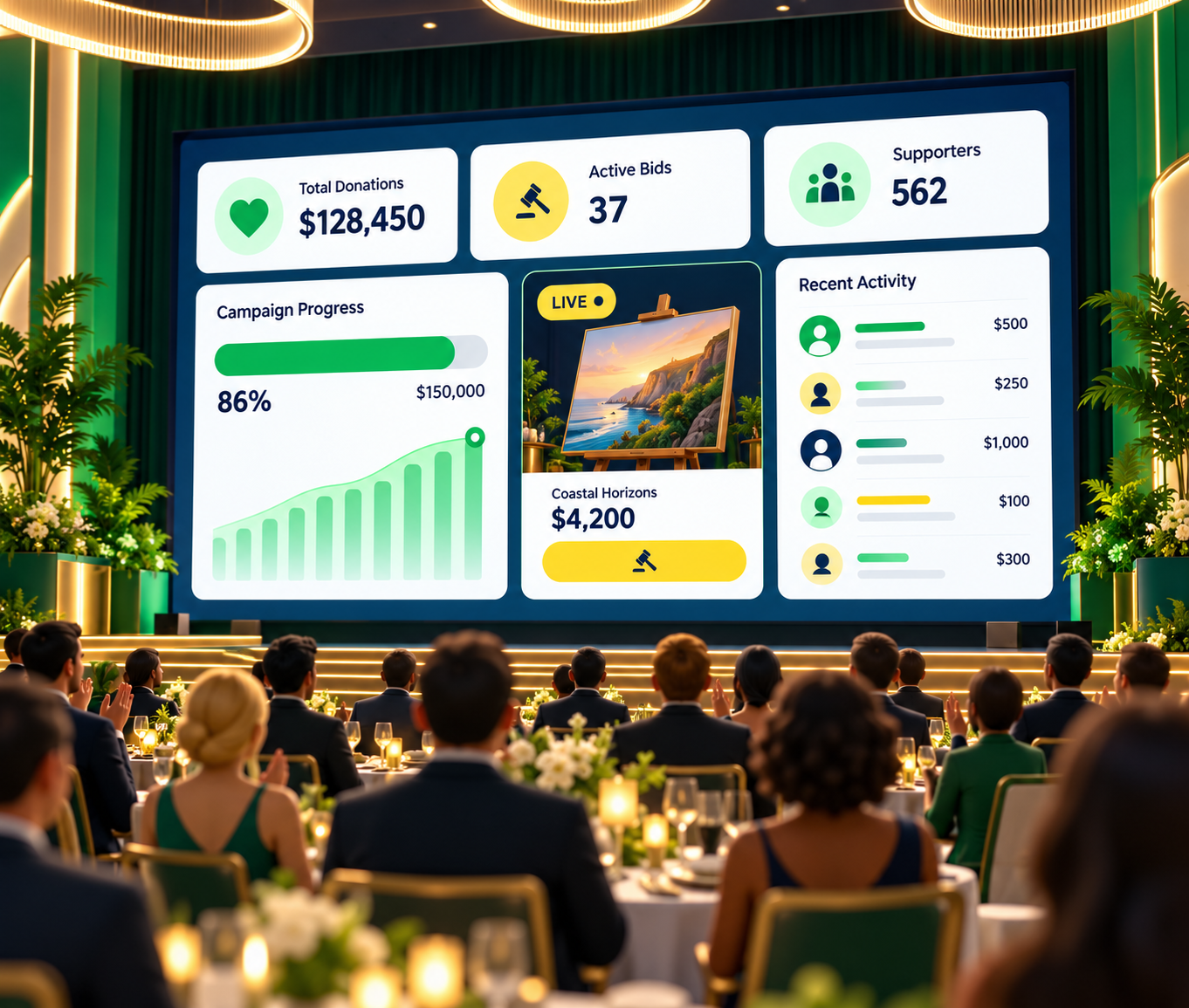
Keep guests informed
Support the live program
See how this feature can simplify your next fundraiser.


See how this feature can simplify your next fundraiser.
Configure the feature in PayBee, review the experience, and keep the results connected to your campaign.

Open the PayBee event and confirm the campaigns or progress information the audience should follow.

Place the activity view on a monitor, projector, or production layout that is visible to guests.

Keep the screen aligned with the program and monitor incoming fundraising activity.
Ready to turn these steps into a smoother workflow?
Give your team practical controls while keeping the supporter experience clear and connected.
Bring these capabilities together in one connected platform.
Help the audience see that donations, bids, and other fundraising activity are happening throughout the event.
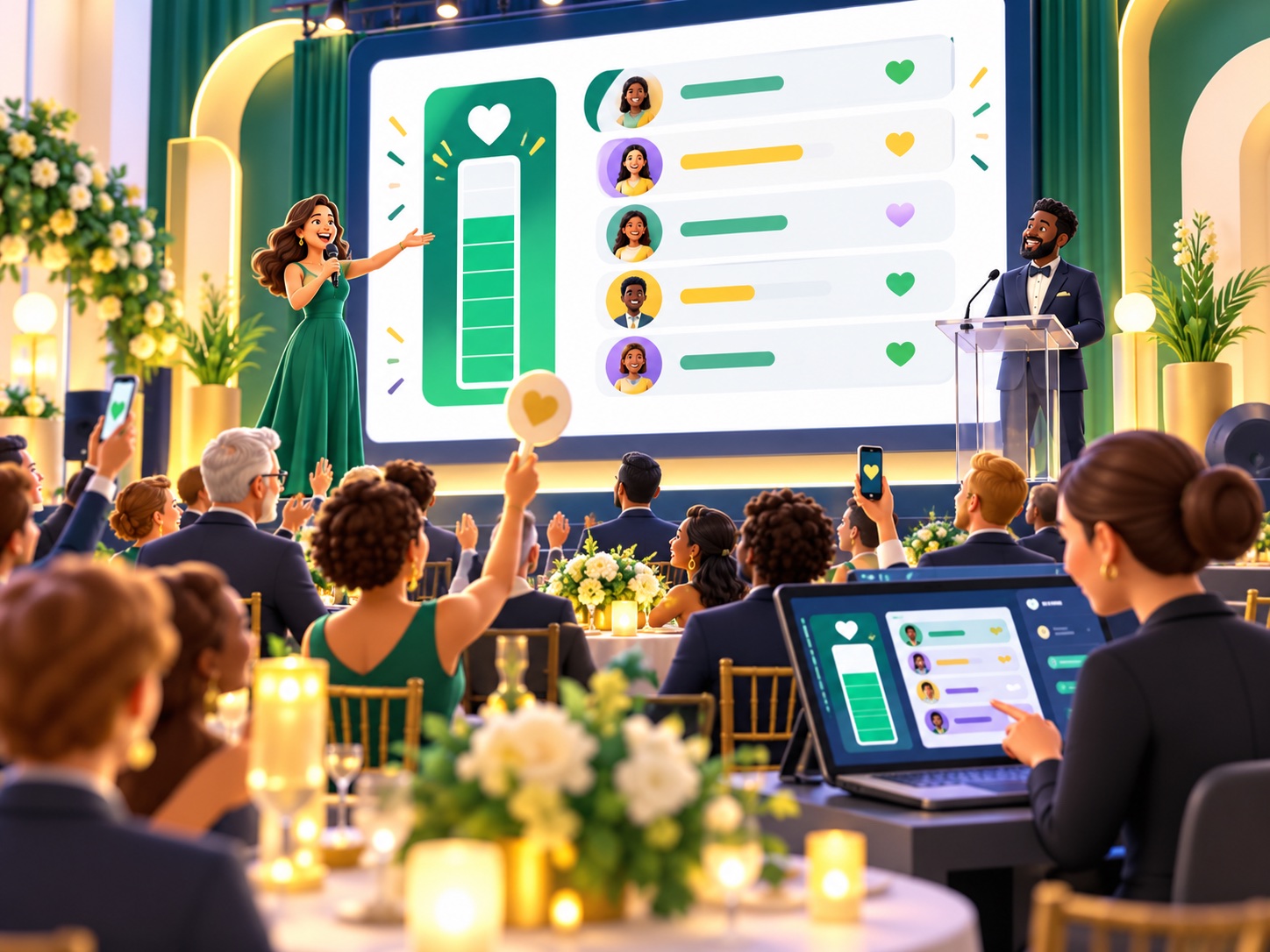
Give speakers and auction staff a shared visual reference for progress and key fundraising moments.
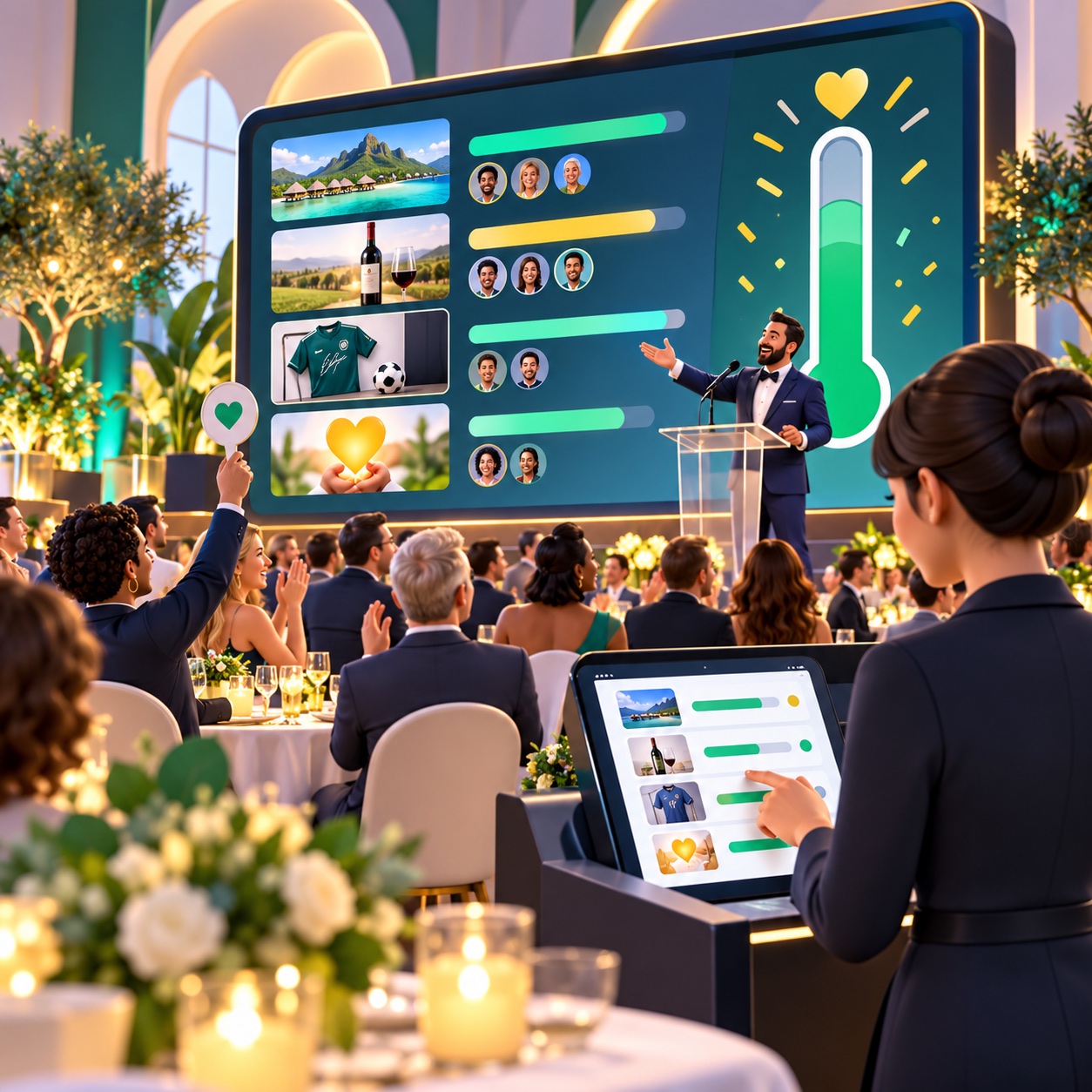
Use the view in a ballroom, on a projector, or as part of a virtual or hybrid production.
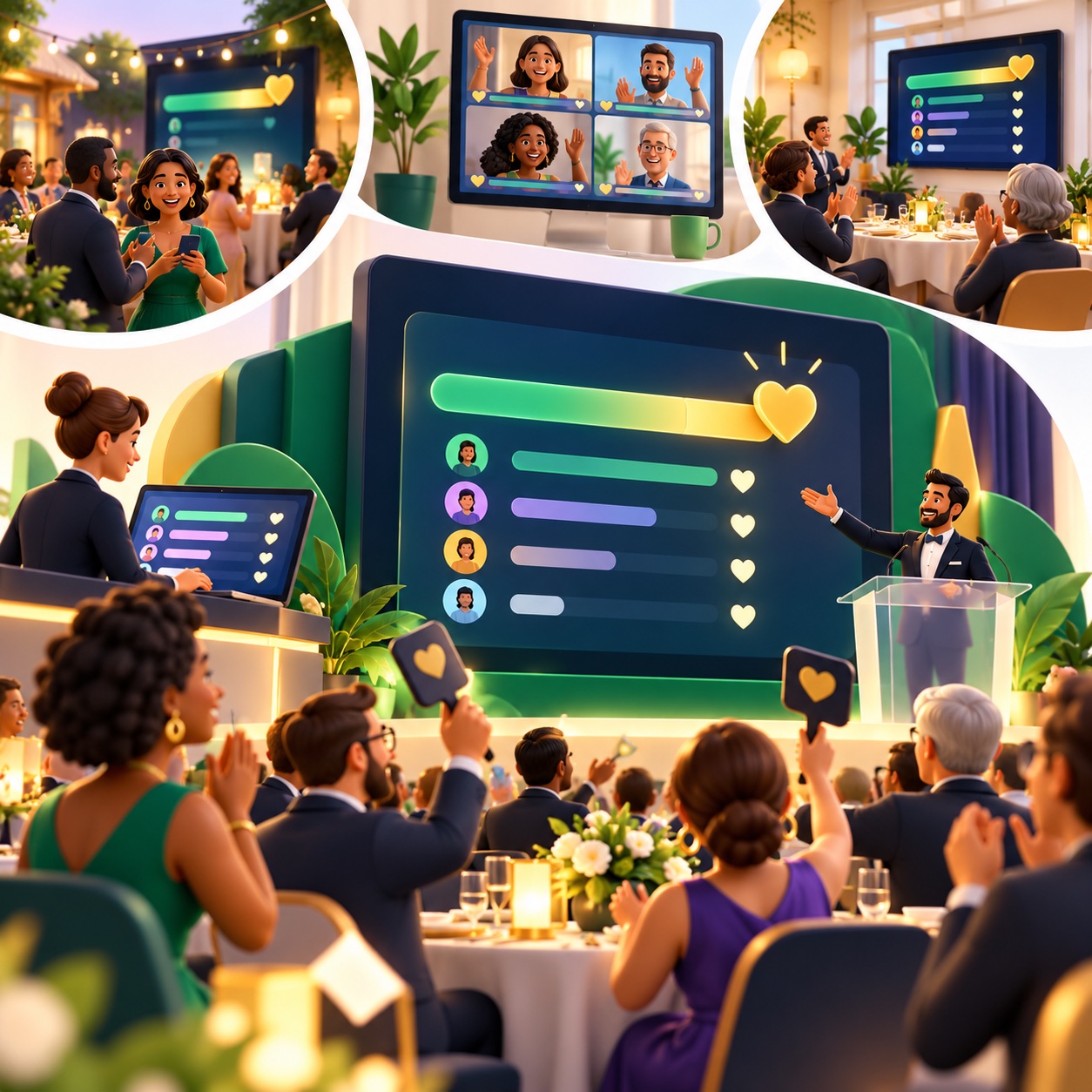
Display activity that remains tied to the related PayBee campaigns and event reporting.

Put these tools to work for your fundraising team.
| Capability | How PayBee helps |
|---|
Explore how PayBee can support your full fundraising workflow.
See how PayBee can help your team use this feature alongside the rest of your fundraising workflow.
See PayBee in ActionQuestions, answered
Still deciding? See the platform in action or start building today.