
Secure nonprofit payments

Secure payment processing

Secure payment processing in PayBee helps nonprofits simplify fundraising workflows, keep activity connected, and create a better supporter experience.

Feature preview
01

Protect payment information

02

Offer familiar payment options

03

Keep records connected

Set up secure payment processing in three clear steps

Configure the feature in PayBee, review the experience, and keep the results connected to your campaign.

Connect the organization

Complete the required account and payout setup for your PayBee organization.

Accept the payment

Let supporters use the available card, bank, or mobile-payment options for the campaign.

Track the transaction

Review payment status and related donor, guest, or campaign information in PayBee.

Ready to turn these steps into a smoother workflow?

Built for a smoother fundraising workflow

Give your team practical controls while keeping the supporter experience clear and connected.

Bring these capabilities together in one connected platform.

A trusted payment workflow

Use PayBee’s connected processing experience for eligible donations, tickets, auction purchases, and event payments.

Support common ways to give

Present the payment methods available for the campaign so supporters can choose a convenient option.

Connected records and receipts

Keep transaction details tied to the related donor or guest activity and support accurate receipts and follow-up.
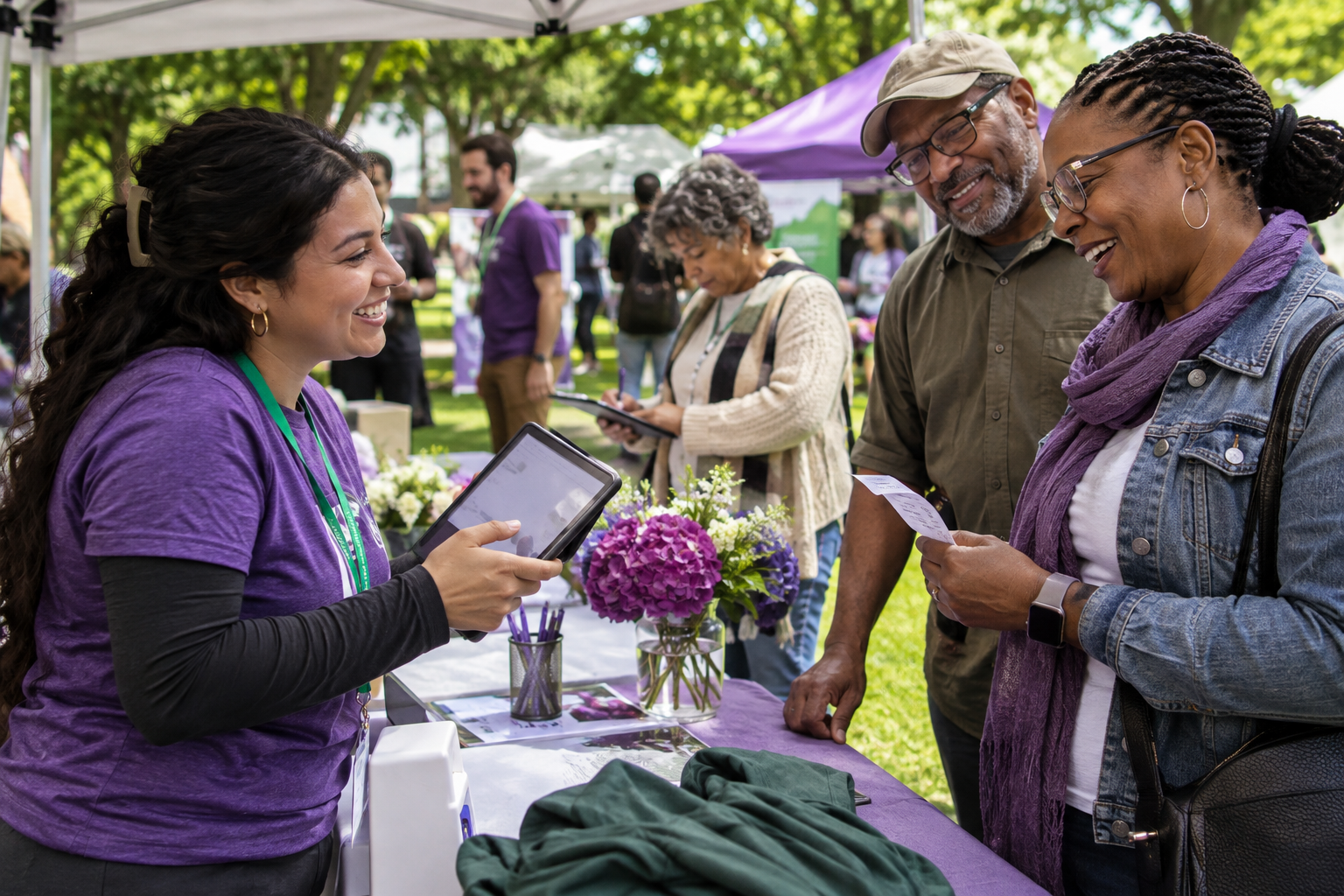
Visibility from payment to payout

Review transaction status and use connected reports to reconcile fundraising activity.

Accept fundraising payments with confidence

See how PayBee can help your team use this feature alongside the rest of your fundraising workflow.

See PayBee in Action

Questions, answered

Frequently asked questions about secure payment processing

What does Secure payment processing do?
Process eligible online and in-person fundraising payments through PayBee’s connected payment workflow while keeping donor and transaction records organized.
How do I get started with Secure payment processing?
Open the related campaign or event settings in PayBee, choose the feature, and follow the guided configuration options for your fundraiser.
Is Secure payment processing available on mobile?
PayBee is designed for responsive donor and event workflows. The exact controls available depend on the feature and the role of the person using it.
Can my team use Secure payment processing?
Administrators can configure the feature and give staff or authorized volunteers the access they need for their event-day responsibilities.
How does Secure payment processing connect with reporting?
Activity remains connected to the related PayBee campaign, guest, donation, ticket, or auction record so your team can review results in one place.
Where can I see Secure payment processing in action?
Request a PayBee demo to walk through the feature in the context of your organization’s fundraising workflow.

Still deciding? See the platform in action or start building today.

Feature details