
Simple Guest List Management
Stay Informed On the Day
See how this feature can simplify your next fundraiser.


See how this feature can simplify your next fundraiser.
Create your campaign, build flexible ticket options, and share a secure registration page with supporters.

Head into the Campaigns tab on your PayBee dashboard, and choose ‘Ticketing” from the event options. Enter all the details a supporter might need, customize your image, choose your time zone, and adjust the details for your event.

Already got a ticket range established from a previous event? Bulk upload the details for your new campaign, or start creating new ticket options from scratch, each with their own image, price, settings, description, and QR codes. You can even choose minimum and maximum purchase limits, and bundle tickets with other purchasing options.

Customize and share your unique fundraising event registration page, then send supporters your booking link, share your campaign on social media, or add it straight to your nonprofit’s website. Guests can instantly browse through available tickets and pay securely online.
Ready to turn these steps into a smoother workflow?
PayBee is far more than your average nonprofit ticketing event software, it’s a complete system for building and managing all kinds of fundraising appeals.
Bring these capabilities together in one connected platform.
Want to give your supporters multiple ways to get involved at your next event? PayBee’s nonprofit event ticketing software gives you plenty of options. You can sell one ticket a time, create couple tickets, group tickets, or discounted options, and even bundle tickets with add-on donations, merchandise, and other purchases. For in-person events, you can even keep track of table assignments and individual dietary requests.
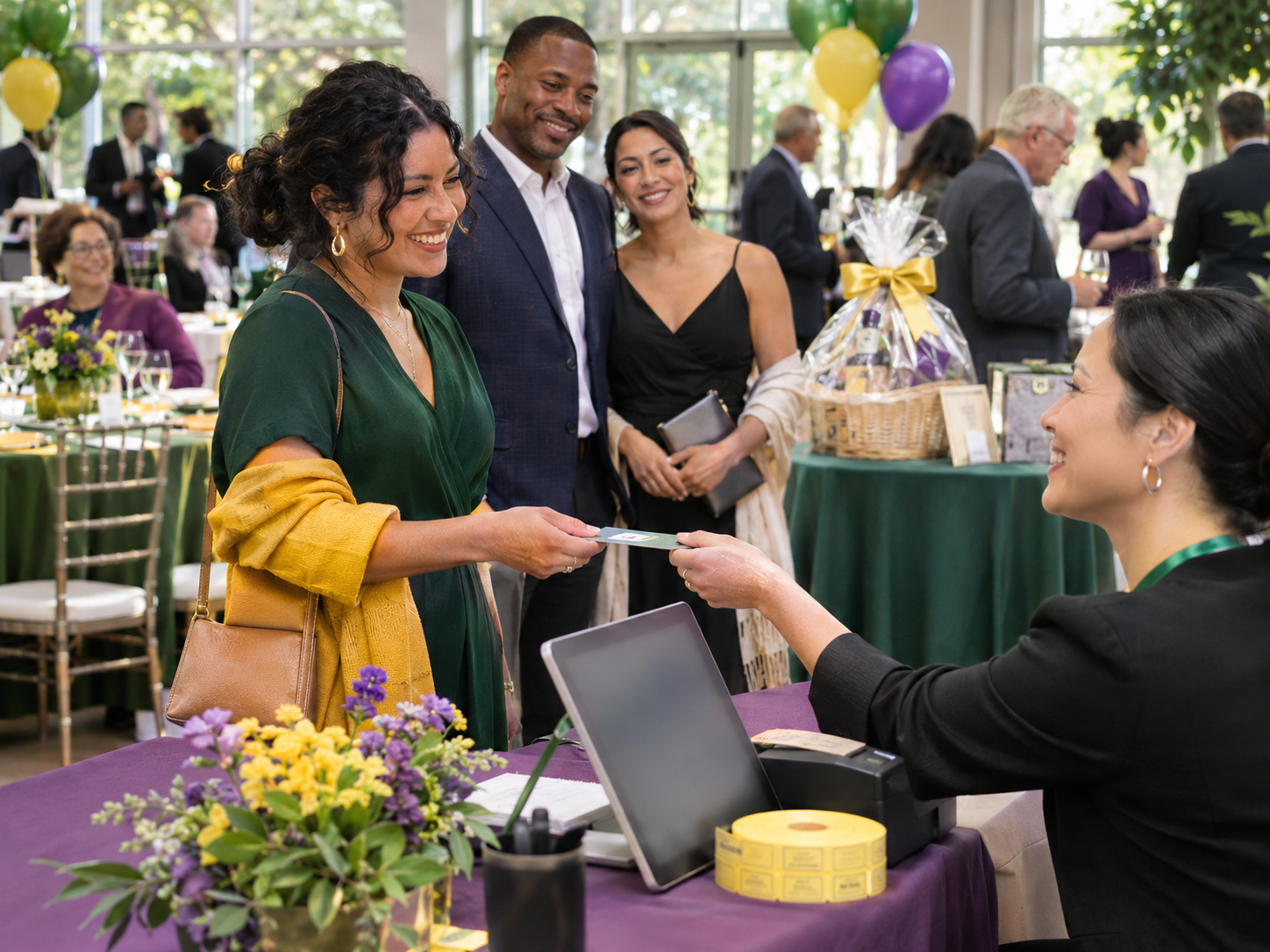
Even if your gala has space for 180 guests, you don’t necessarily want to sell all of those tickets at the same discounted early-bird rate. PayBee lets you price each ticket option separately, limit quantities for each purpose, and even track inventory throughout the campaign. You can even decide when ticket sales should open and close, down to the minute and create complimentary tickets for sponsors or volunteers.

Sometimes, the people who buy tables at a ticketed event aren’t attending in-person, and their payment details don’t tell the catering team what their dietary needs look like. In your Management dashboard, PayBee let’s you keep track of the people who are actually attending, and send reminders to ask for any additional details you might need before the event. There’s even an interactive seating view, so you can make sure nothing gets double-booked.
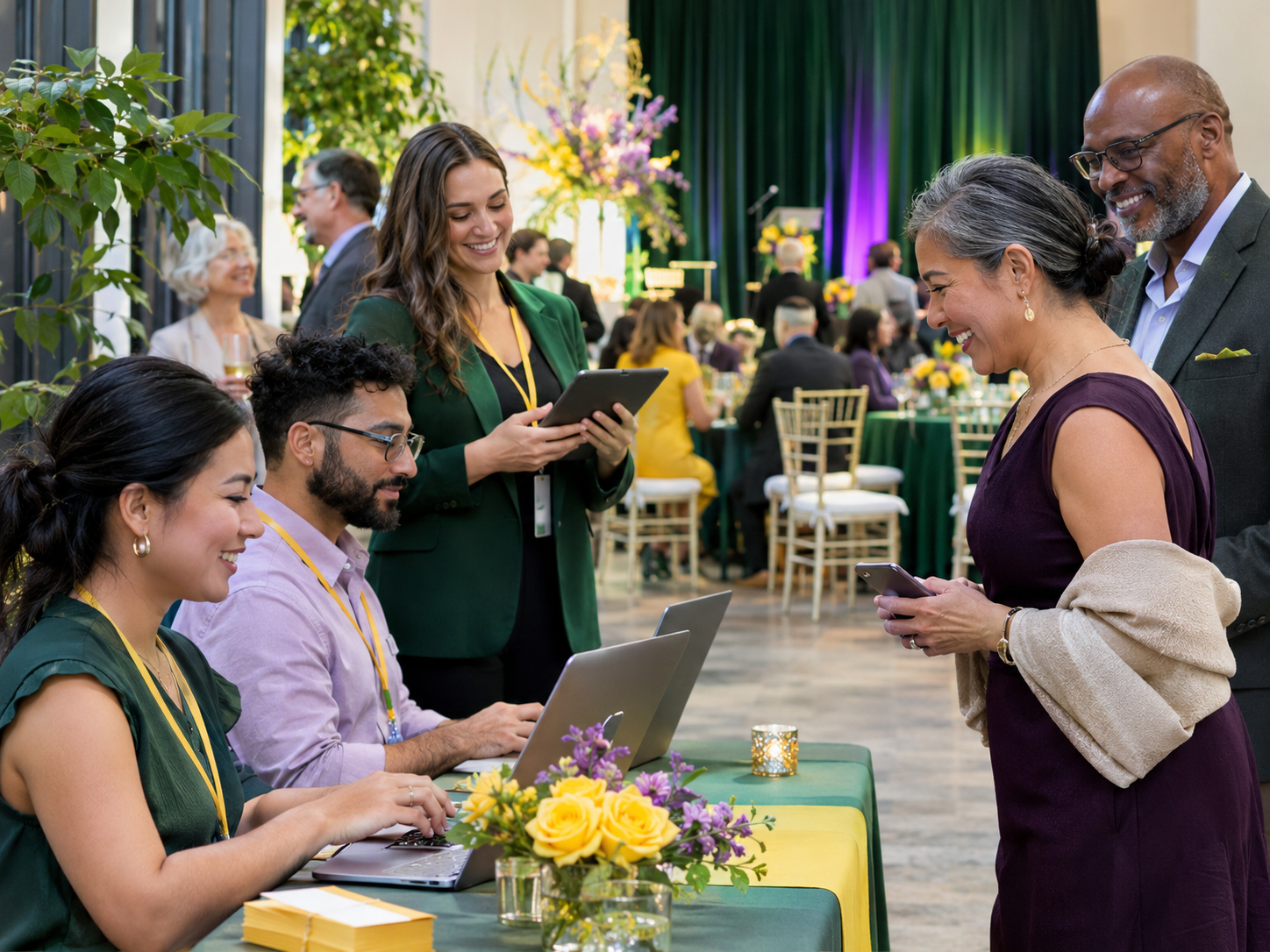
PayBee gives authorized volunteers plenty of ways to find guest details when they arrive. With the PayBee app, volunteer’s can scan a guest’s QR code or search for their name and email. For group ticket management, guests can check in individually as they arrive, and update anything missing from their information. Volunteers can even assign bid paddles for auction-based fundraising events.

Put these tools to work for your fundraising team.
| Capability | How PayBee helps |
|---|
Explore how PayBee can support your full fundraising workflow.
There’s plenty to organize before a fundraising gala without teams having to keep track of separate documents for ticket sales and guest lists. PayBee gives you a simple environment where you can manage booking, sort out seating, help guests check-in, and track the numbers afterward.
Try PayBee’s nonprofit event ticketing softwareQuestions, answered
Still deciding? See the platform in action or start building today.