
Set Order Sizes by Option
Choose Which Quantities to Display
See how this feature can simplify your next fundraiser.


See how this feature can simplify your next fundraiser.
Decide what the overall limit should represent, configure the options that count toward it, then preview what shoppers see when tickets are available and when a limited option sells out.

List the admission options that use venue capacity and the extras that should be counted separately. Add up guest places for single and group admissions before configuring the overall count. If you sell goods in the same campaign, decide which items should be excluded from the attendance-oriented total.

Open Ticketing Settings and enable inventory for the campaign if you need an overall cap. Configure the option inventory values required for that setup. Edit each limited option to set its count and any order minimum or maximum. Review the exclusion setting for non-admission items.
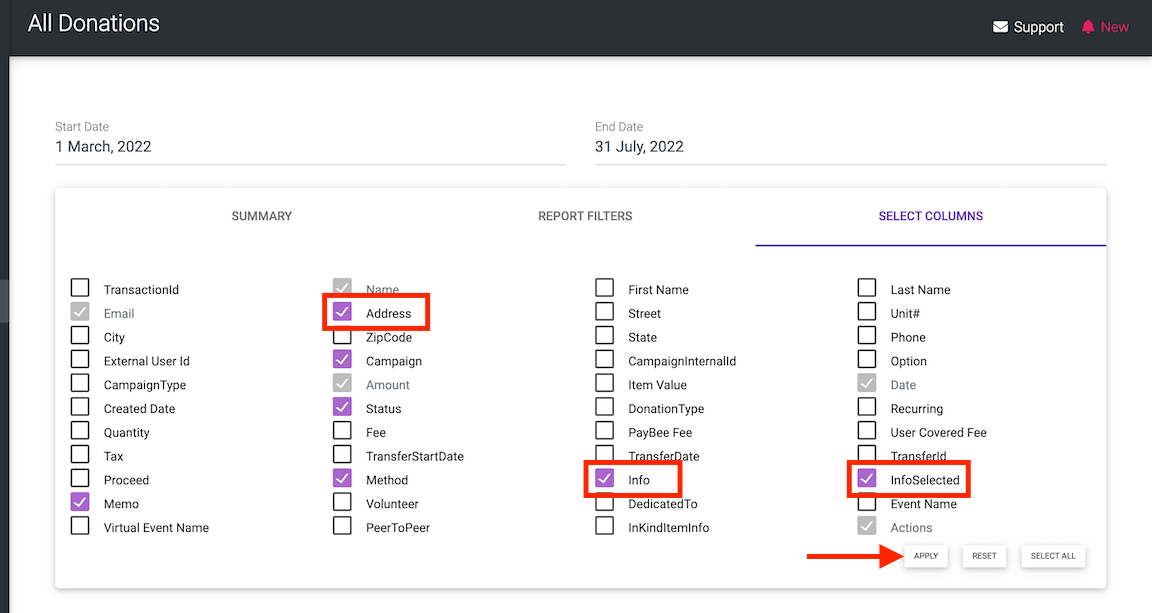
Preview the ticket page as a purchaser. Verify that the right ticket options and quantities are visible, and test any group or bundle rules your capacity plan relies on. During sales, open Tickets & Guests to review actual registrations and respond if a particular option sells out.
Ready to turn these steps into a smoother workflow?
Campaign inventory, option inventory, and quantity per transaction answer different questions. Configure the limit where it belongs. Then review which options count toward the campaign total and which are intentionally excluded, such as a merchandise or drink option that does not take up a seat.
Bring these capabilities together in one connected platform.
Campaign-level inventory can be used when several options draw from an overall limit. PayBee’s ticketing guide uses the example of a 200-person venue selling individual tickets and tables. Confirm the counting behavior for your group and combination options as part of your launch rehearsal.

Enable option inventory for items with their own supply. Set separate transaction minimums and maximums to control the quantity a purchaser can request in one order. These controls can apply alongside the campaign cap, depending on your ticket setup.

Hide the remaining ticket count at the campaign or option level if you prefer shoppers to see a simple availability state. The PayBee guide specifies that a sold-out option displays that status even when its remaining quantity is hidden.
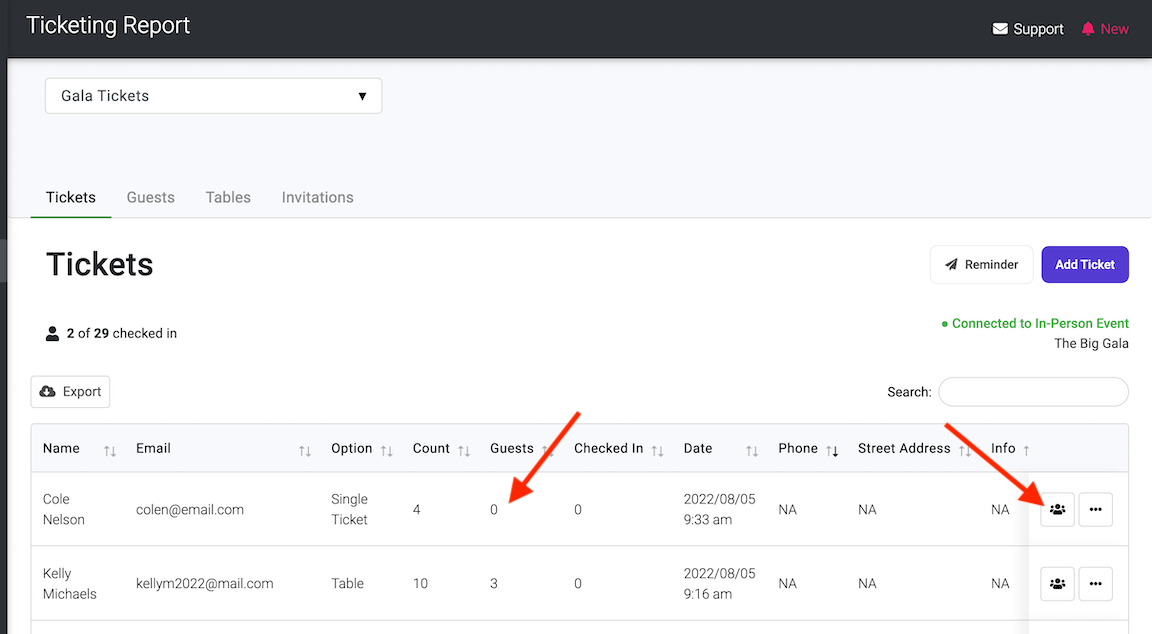
An option can be excluded from overall campaign inventory when that item should not count toward the shared total. Review your admissions, merchandise, drink tickets, and other extras to make sure the options that reserve seats are the ones counted toward your event capacity.

Put these tools to work for your fundraising team.
| Capability | How PayBee helps |
|---|
Explore how PayBee can support your full fundraising workflow.
Bring your room limit and ticket options to a demo. Review campaign inventory, option inventory, and the buyer’s view of a sold-out choice.
Request a PayBee DemoQuestions, answered
Still deciding? See the platform in action or start building today.