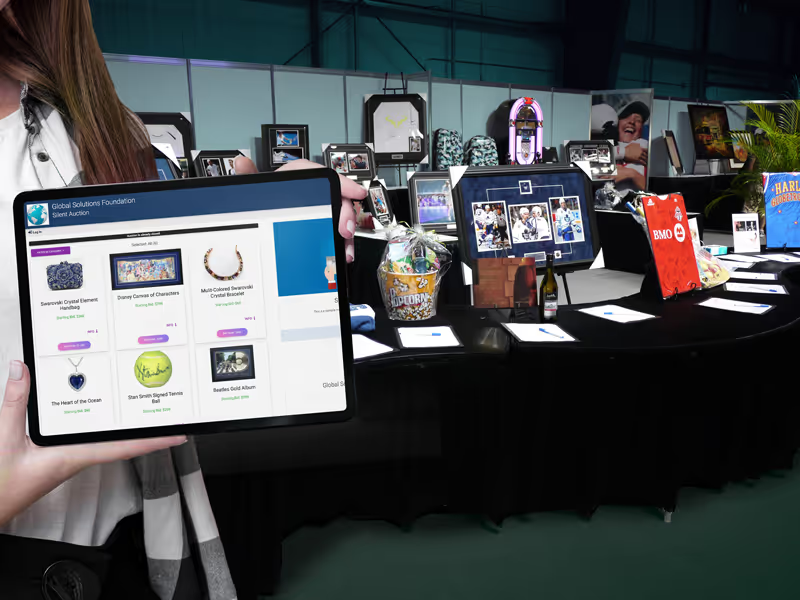
Give guests a way to bid
Keep track of unpaid wins
See how this feature can simplify your next fundraiser.


See how this feature can simplify your next fundraiser.
Start by setting up the campaign and adding your items. Share it with bidders and monitor activity while bidding is open. When the auction ends, review the results, close the auction, and follow up on any unpaid carts.
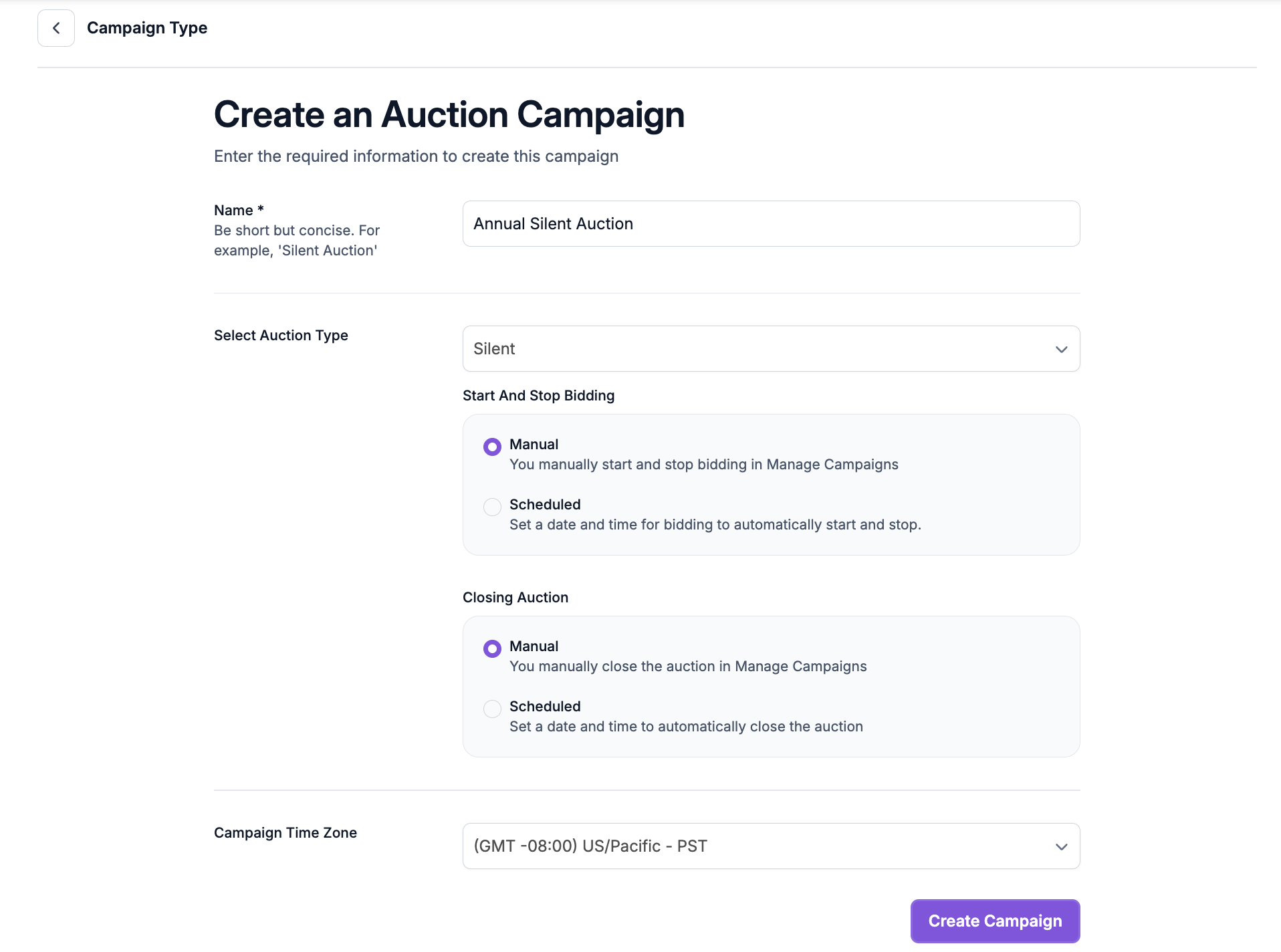
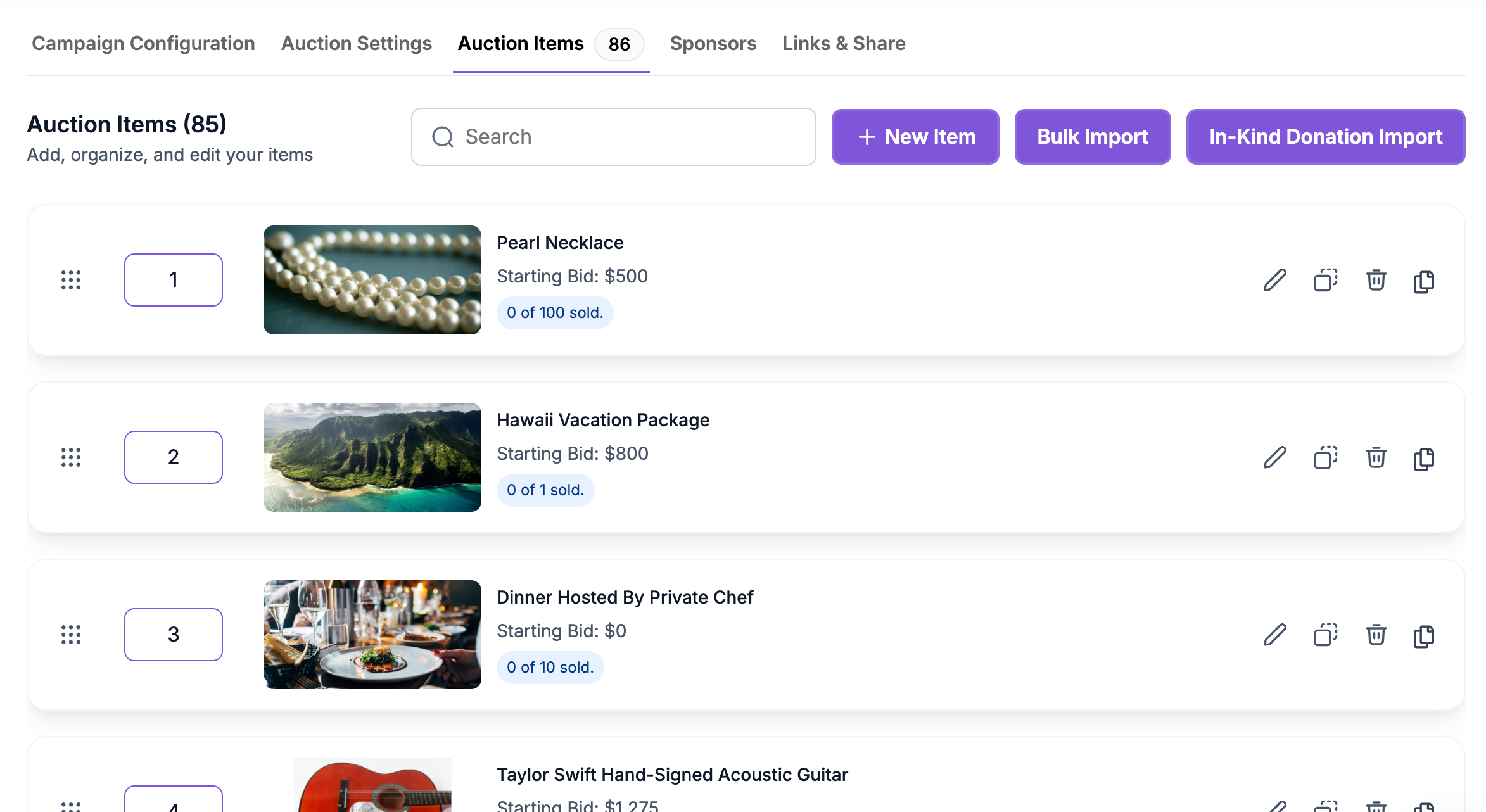
In PayBee, go to Campaigns, choose New Campaign, then select Auction. Name your campaign, choose Silent as the auction type, and check the time zone before setting any times. Add items one at a time or import a spreadsheet if your team has already gathered the details. Give bidders a clear description and image for each item, then set the opening bid and bid increment. Set the quantity if you have more than one of the same item, and choose whether to offer Buy It Now.
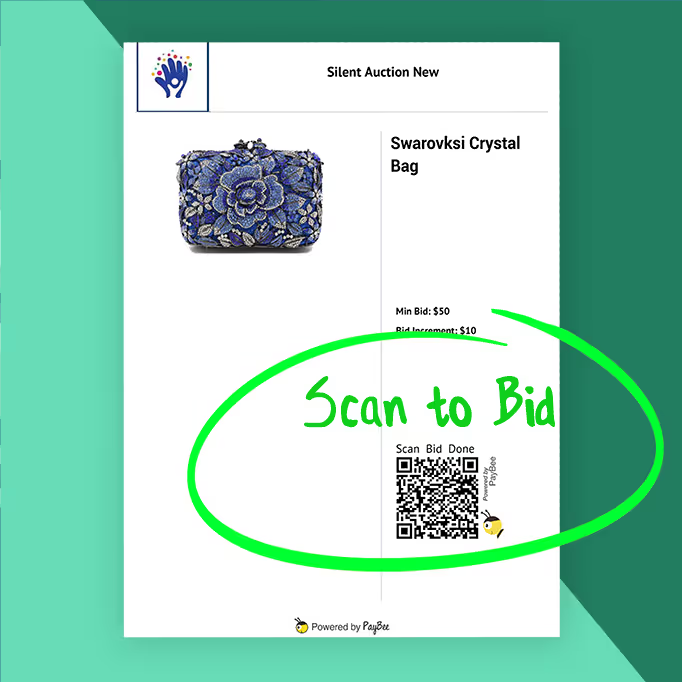
Open your campaign’s Share menu to get its link and QR code. Send the link to supporters before the event or put item QR sheets near displays so guests can open a listing on a phone. In Manage > Auctions, select your campaign to see incoming bids and bidder activity. Resume or pause bidding there if your team is managing the schedule manually. If you collect bidders’ phone numbers, PayBee can also send outbid notices by text, giving supporters a way back to the item to raise their bid.
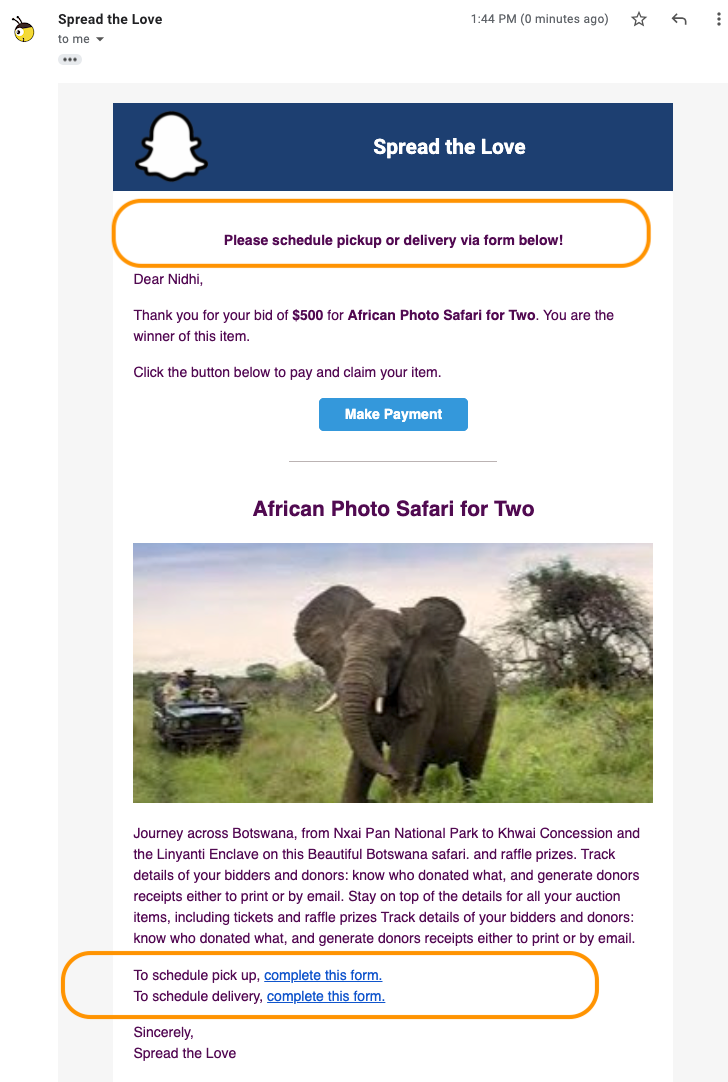
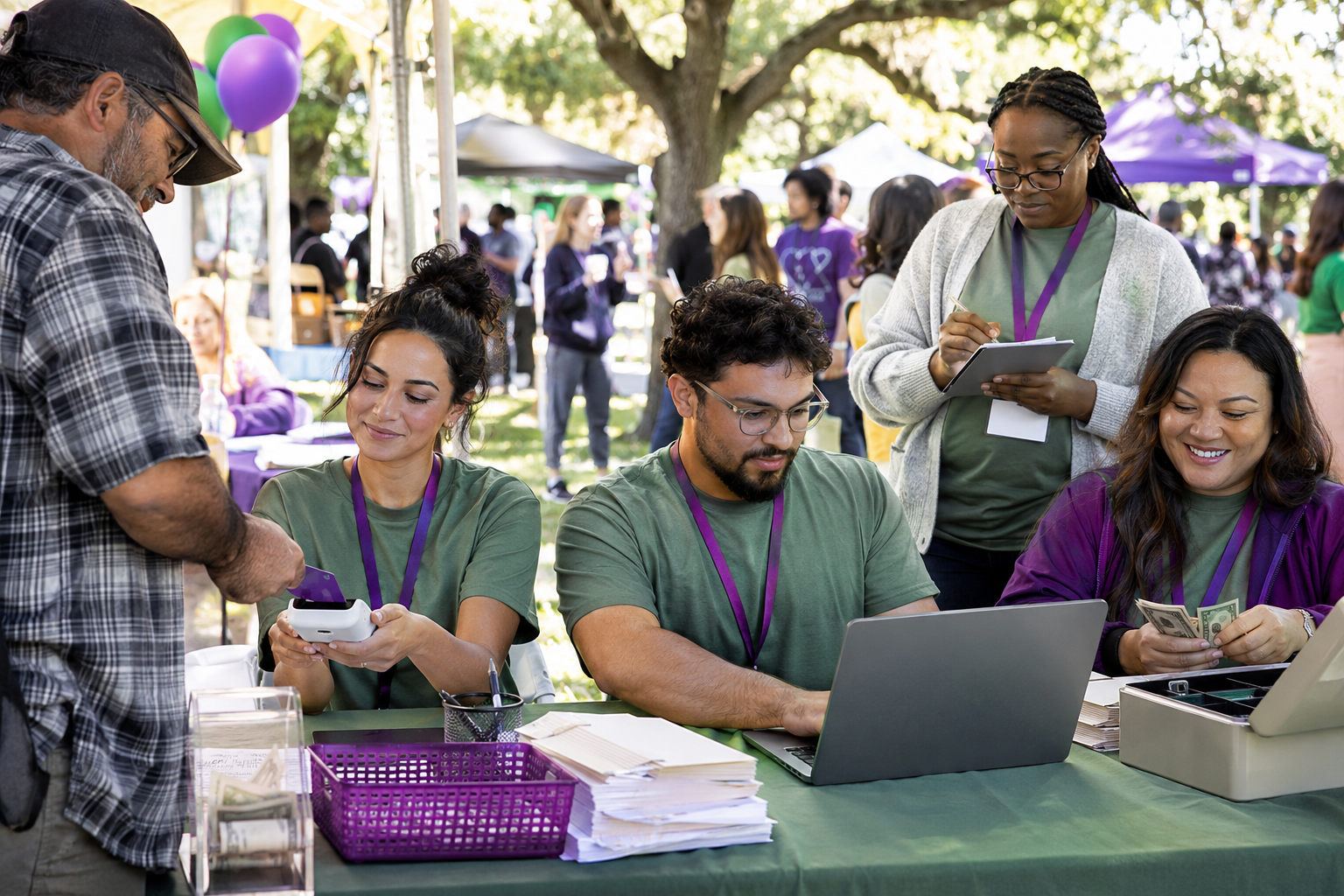
Pause bidding when the bidding window ends and check the results in Manage > Auctions. When you close an online auction, PayBee notifies the winners and puts their items in carts so they can pay. If you used paper bid sheets, volunteers can add the winning items to the winners’ carts in the PayBee app. Review paid transactions and pending carts to see what still needs attention. If a winner pays by cash or check, your team can check out on their behalf. Include pickup or delivery instructions in the winning notices when bidders need them.
Ready to turn these steps into a smoother workflow?
A silent auction can run as a standalone campaign or alongside your gala. An auction chair can prepare the catalog before the event, while the team running the event works from the same campaign to review bidding activity. When the auction closes, PayBee connects the winning items to carts and sends payment links. The people handling checkout can see which winners still owe a balance, and the finance team can review transactions and export auction results for its records. Each person can pick up the work at the point they own.
Bring these capabilities together in one connected platform.
When you build the catalog, decide how each item should sell. Enter a starting bid and increment for standard bidding. Turn on Buy It Now for items donors can purchase at a set price, and enter the quantity when several identical items are available. PayBee also supports collecting sales tax when it applies to your auction.
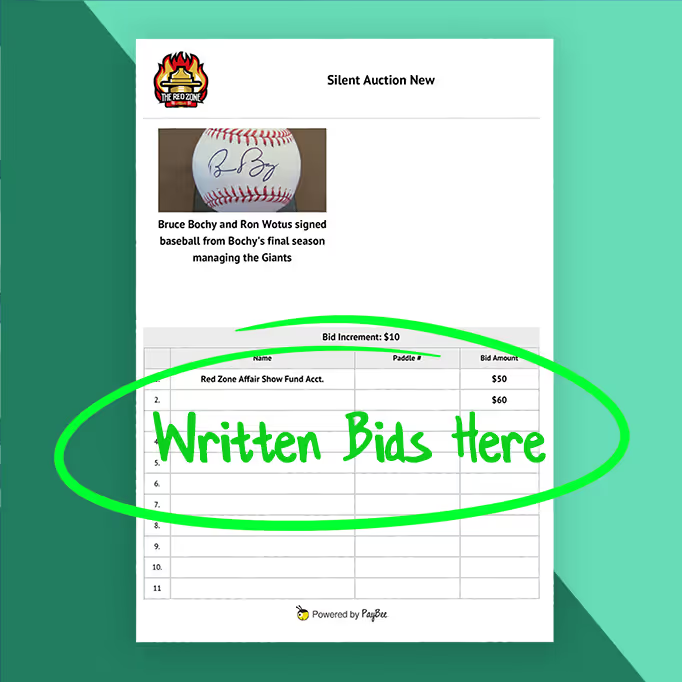
For mobile bidding, share a link to the auction page. At an event, place a printed QR sheet beside each item so guests can go directly to that listing on their phones. For a traditional paper auction, download standard bid sheets from Manage > Auctions. Guests write their name, paddle number if assigned, and bid on the sheet.
Choose when bidding starts and stops, then decide when to close the auction and notify winners. You can schedule both in Auction Settings or operate the auction from Manage > Auctions. If you schedule the bidding stop and leave the close manual, allow time for your team to review results before ending the auction and sending notifications.

Export the Bidders & Items spreadsheet from Manage > Auctions to review who participated and how the catalog performed. Use the paid and pending views to check whether winners have settled their carts. If your auction required saved payment methods before bidding, an administrator can use Bulk Checkout to charge eligible winners after the auction closes.
Put these tools to work for your fundraising team.
| Capability | How PayBee helps |
|---|
Explore how PayBee can support your full fundraising workflow.
Bring your auction plans to a demo. Walk through how you would load your catalog, invite people to bid, and handle checkout after the event. If your volunteers are used to paper bidding, ask to see how printed bid sheets and item QR codes would work at your venue.
Book a PayBee DemoQuestions, answered
Still deciding? See the platform in action or start building today.