
Collect payment details up front
Base charges on final results
See how this feature can simplify your next fundraiser.


See how this feature can simplify your next fundraiser.
Create the peer-to-peer campaign and agree on a unit your team can count. Then invite participants to share individual fundraisers and verify completed units before the campaign moves into payment.

Open Campaigns, choose New Campaign, and select Peer to Peer. Enter the campaign name and time zone, then enable Milestone Settings. Start with a measurable unit such as a mile walked, a lap completed, or a book read. Use the same unit in your campaign description, participant instructions, and pledge options. Tell supporters when the activity ends and how the amount of their pledge will be determined.
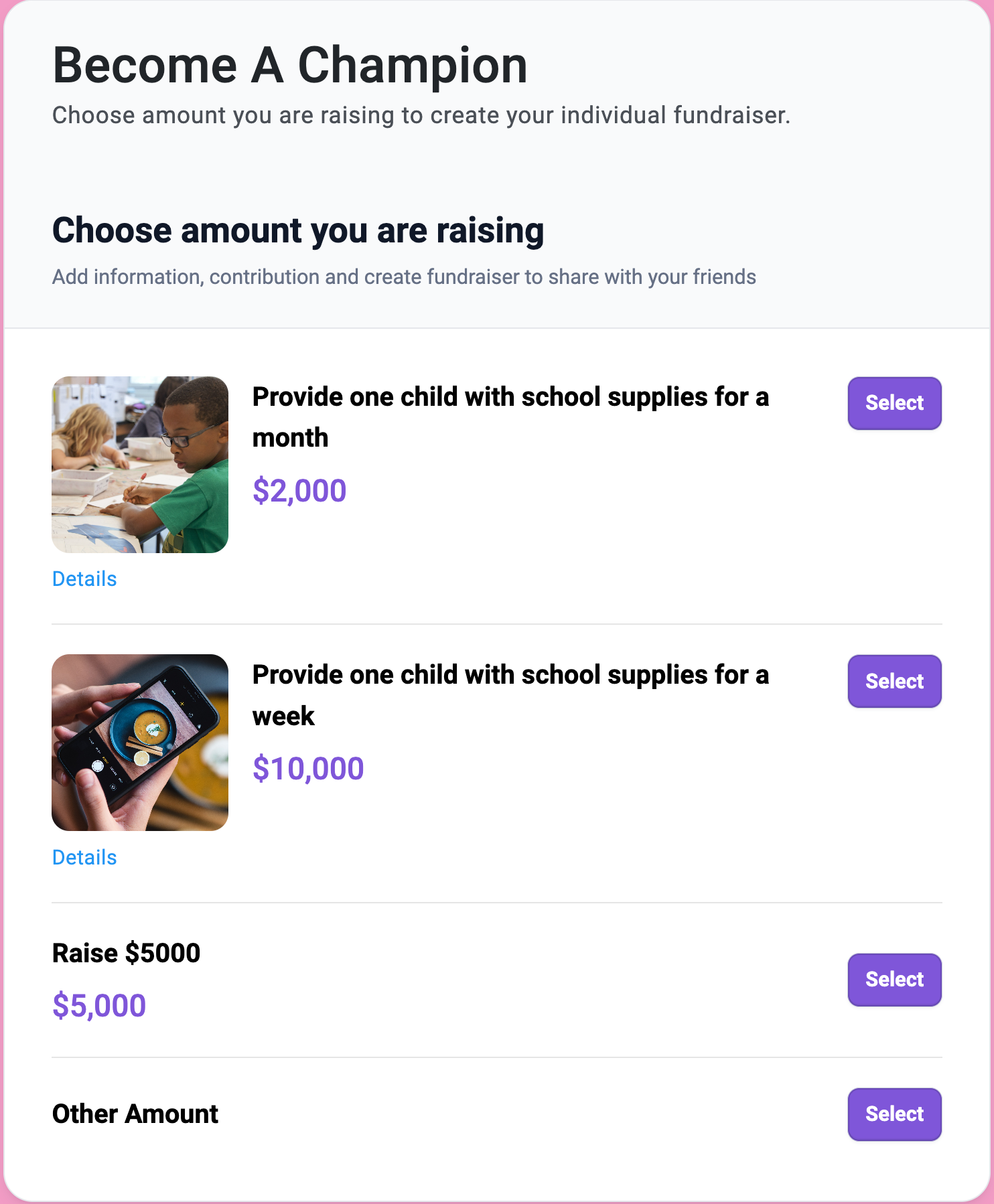
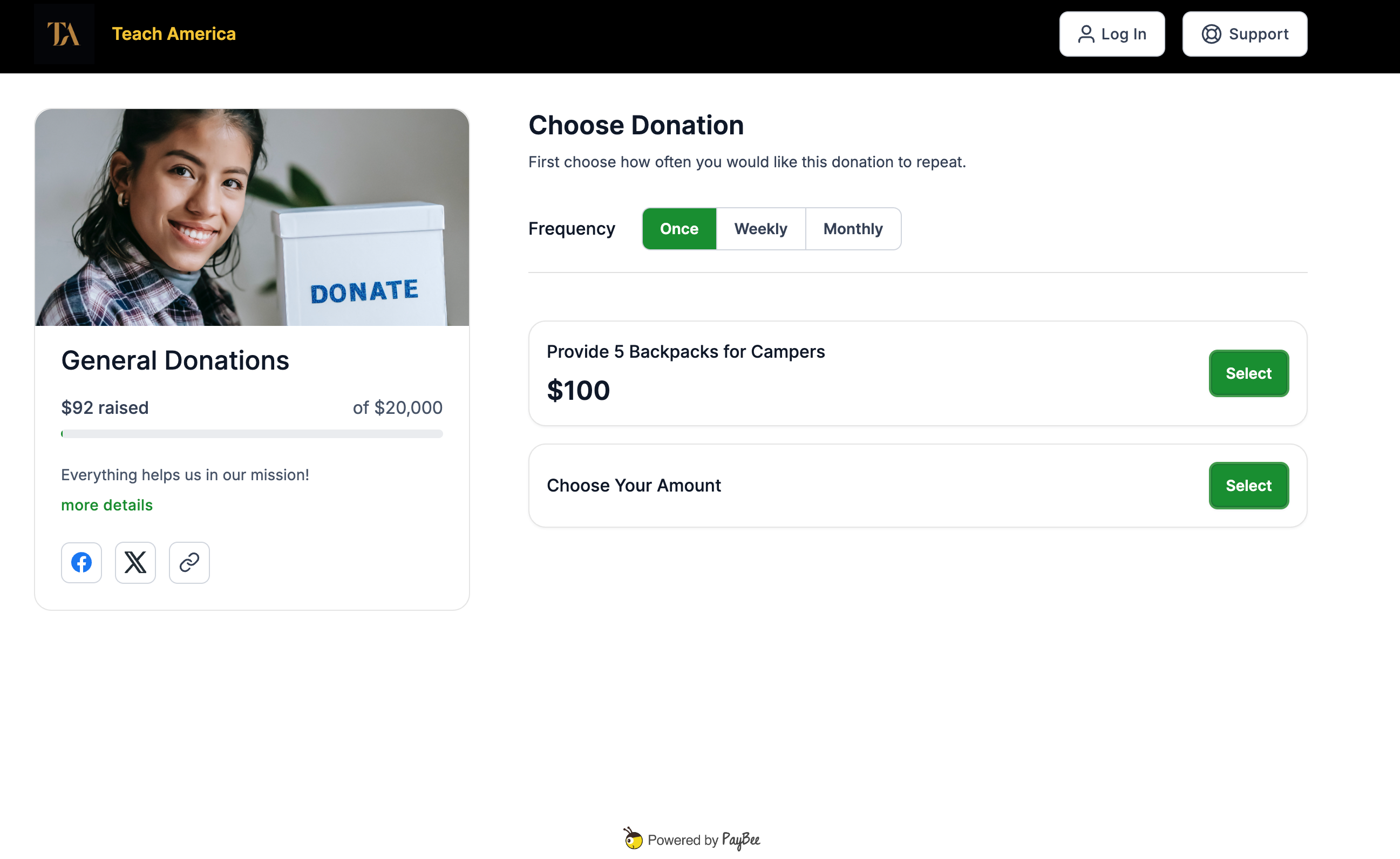
Ask each participant to set up a fundraiser and share its donation link with family and friends. Supporters choose a pledge amount per milestone and save their payment information in PayBee. Use a concrete example in your instructions. At two dollars per book, five books would make a ten-dollar pledge. Give participants the same instructions so each sponsor understands what their commitment covers.

At the end of the event, gather completed units from the people responsible for recording activity. Check the result against the correct fundraiser before charges are processed. Open Manage > Peer to Peer to review the individual fundraisers and their activity. Have your finance lead reconcile payments against the results your team approved, using available donation and pledge reporting to investigate any differences.
Ready to turn these steps into a smoother workflow?
Milestone pledges are a setting within a Peer to Peer campaign. Individual fundraisers give participants a link to share, while the campaign gives your organization a common way to collect commitments. The pledge option specifies a rate for each unit. At the end of the event, completed units determine the final amount. A school can use the same workflow for a reading challenge or a walk while keeping the unit consistent across the campaign.
Bring these capabilities together in one connected platform.
Use a unit participants can track and volunteers can check. A school might count books read, while a walking event might count laps. Name the unit clearly on the campaign and pledge options. Before launch, decide whose record takes precedence if a participant total and the coordinator’s tally differ.

Give supporters an example with a rate and a result. Someone who pledges three dollars per lap for twelve completed laps would owe thirty-six dollars. Put the example near your campaign instructions and explain that donors will be asked to save payment information when they select a pledge option.
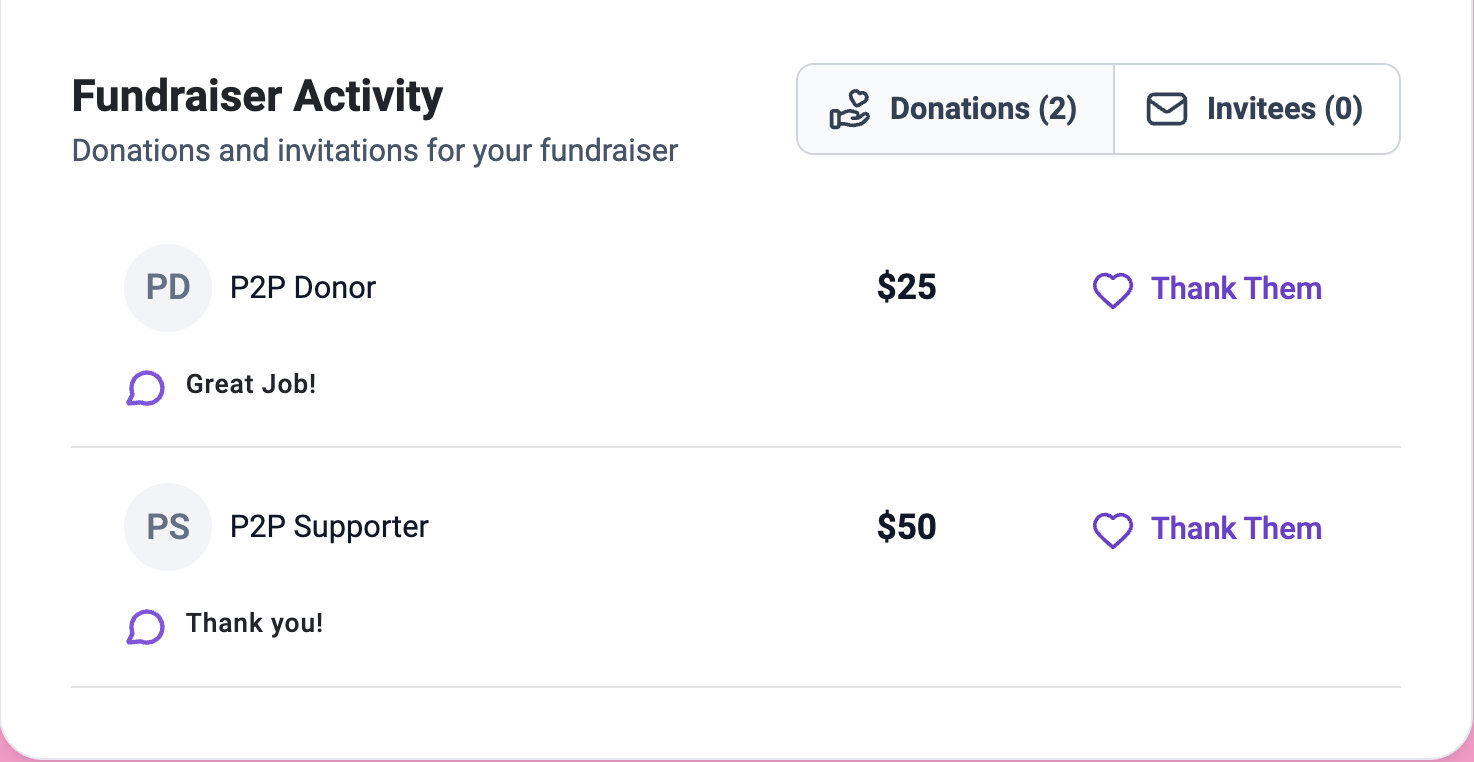
Use the fundraiser record to keep the participant’s name and goal with their campaign activity. Assign a coordinator to review the completed milestones before settlement. If your event uses teams, give team leaders the same tracking instructions so results can be compared consistently across the campaign.

Open Manage > Peer to Peer and locate the fundraiser you need to review. The Fundraisers tab groups activity by participant. Once payments have been processed, use the donation view or export to reconcile transactions to the approved results. Keep any questions about individual commitments with your event’s follow-up records.
Put these tools to work for your fundraising team.
| Capability | How PayBee helps |
|---|
Explore how PayBee can support your full fundraising workflow.
Bring the unit you want to count, the pledge options you expect to offer, and your plan for verifying results. In a demo, walk through the campaign setup and the handoff between the staff who collect participant totals and the team responsible for payment and follow-up.
Book a PayBee DemoQuestions, answered
Still deciding? See the platform in action or start building today.