Handle repeated pledges efficiently
Check cart assignments during the event
See how this feature can simplify your next fundraiser.


See how this feature can simplify your next fundraiser.
Set up the people and paddles before the program. Rehearse the producer-to-clerk handoff, then use the PayBee live, multiple-entry, or individual workflow according to what your team needs to record.

Confirm that the people handling the auction can access the event through the appropriate PayBee role. For a hybrid production, the producer uses Manage > Events > Run to choose what is active. Rehearse the opening lot or pledge level with the person running the back end, the auctioneer, and the clerk. Confirm that staff know what paddle numbers sound like from their station and which controls belong to their role.

In the volunteer app, open the event and use Go To Live Activity for the real-time workflow where configured. Enter the paddle number and submit the bid. When an amount needs an override, the documented workflow lets staff replace the current amount before entering the paddle and submitting. For several pledges at a single level, use Add Bid & Pledge Multiple, select the campaign and level, and record each paddle.
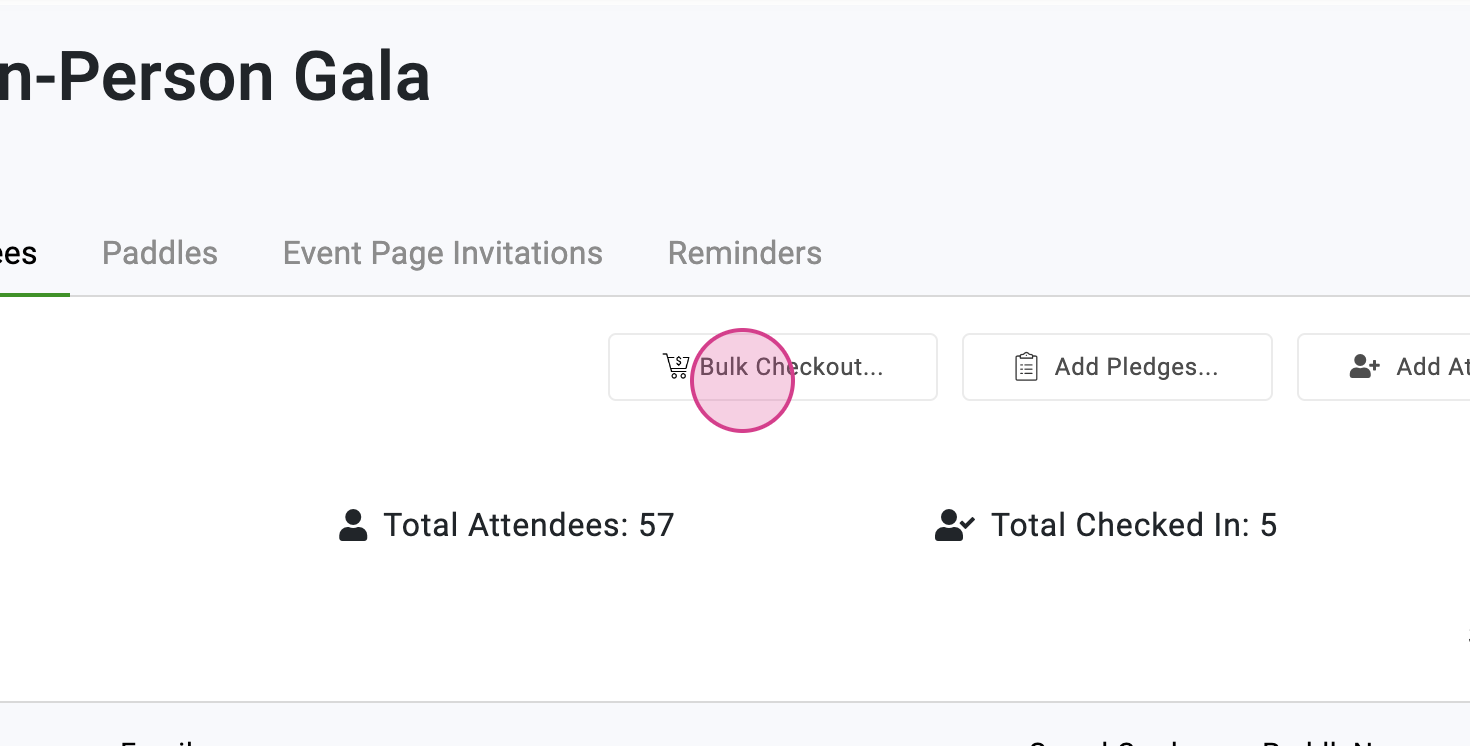
Use the individual entry workflow when a guest needs a ticket, item, or pledge added to their cart. Confirm the paddle and the campaign before adding it. The documented cart view lets staff remove an item entered in error. When you finish a set of pledges in multiple-entry mode, review the entries before moving to the next amount. Coordinate final winner declarations with the producer after the auctioneer is ready.
Ready to turn these steps into a smoother workflow?
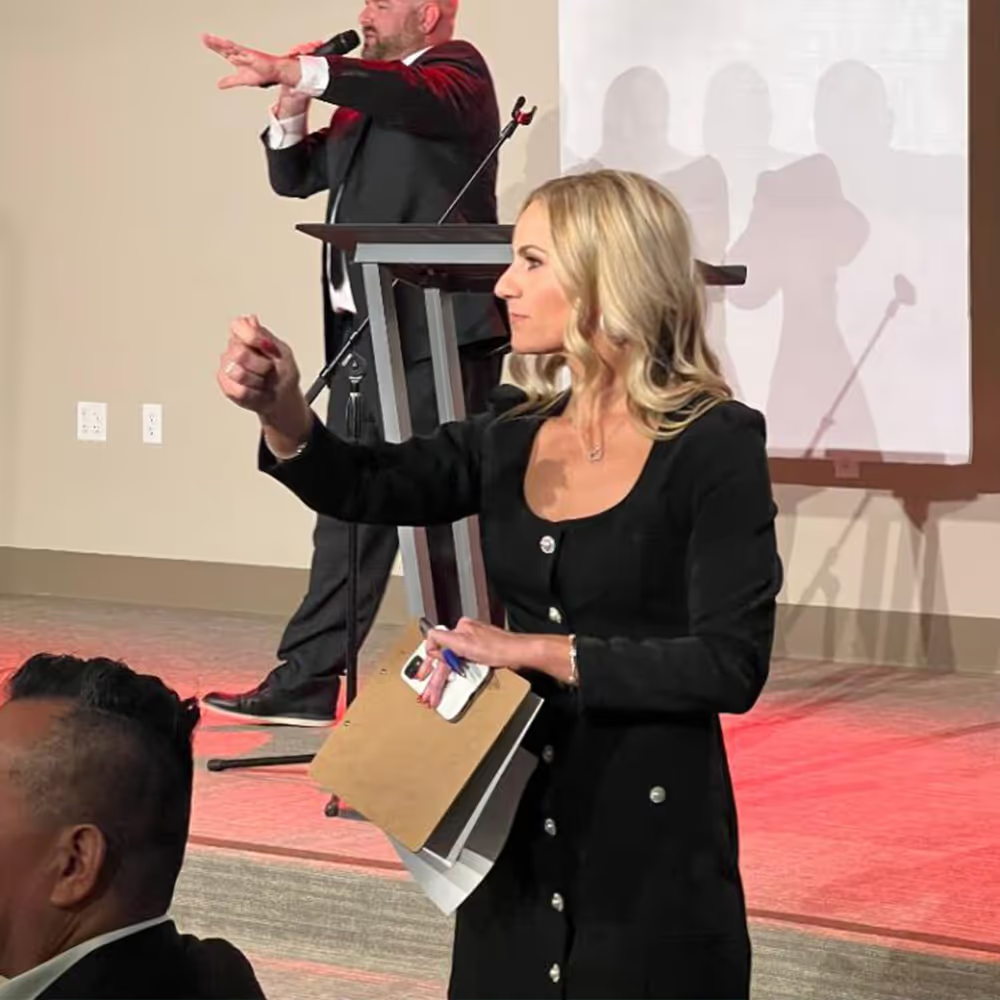
In a hybrid event, the producer controls the active lot or giving level shown to the clerk and the audience. The auctioneer calls the in-room activity, and the clerk enters the paddle. PayBee also gives volunteers individual and multiple-entry options for specific event tasks, such as a group of pledges or a raffle sale. Choose the workflow that matches the event and confirm the handoff from recorded activity to winner carts and reporting.
Bring these capabilities together in one connected platform.
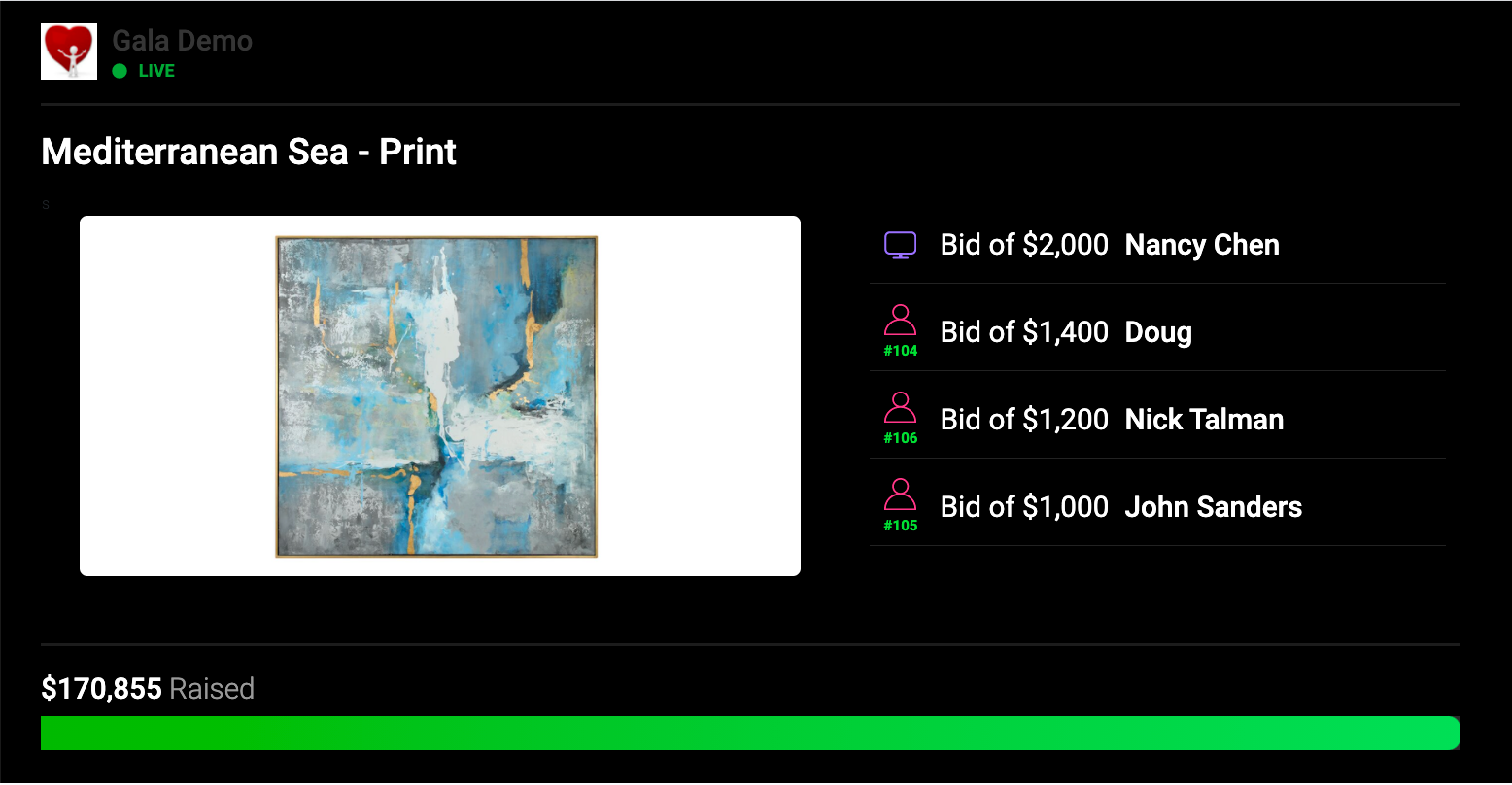
The producer controls which campaign appears on the clerk’s screen. Before the event, have the auctioneer and clerk rehearse the cues for the active item, price, and paddle. When bidding finishes, the producer can declare the winner from the live workflow after the auctioneer is ready.

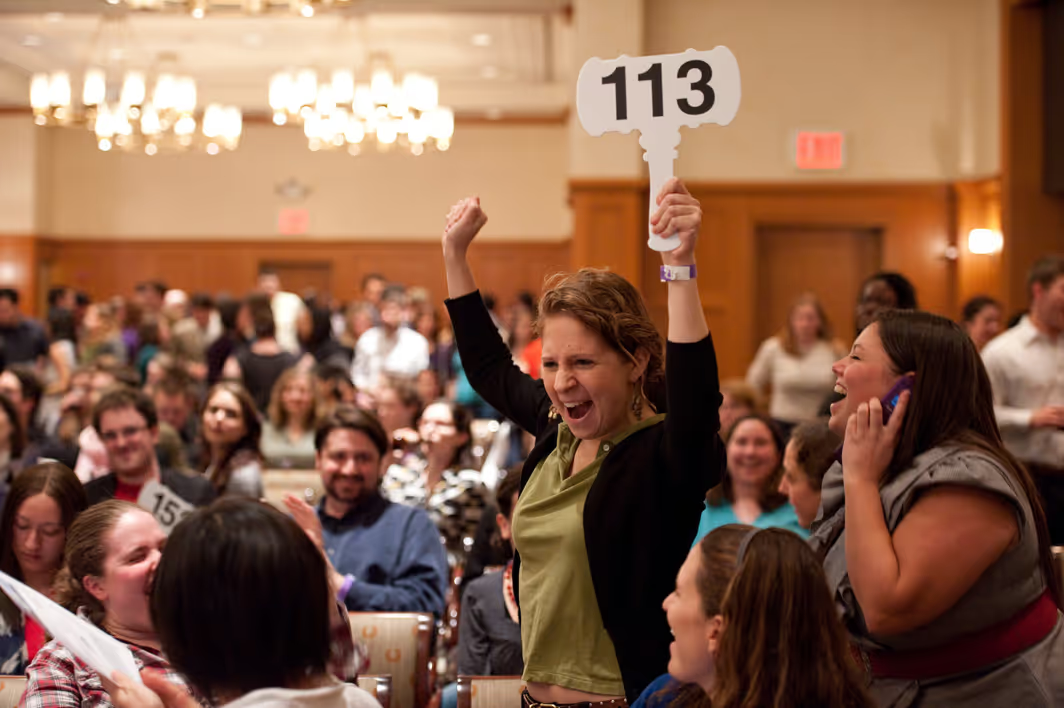
Use the real-time workflow for events that need to capture bidding and pledging as it happens. When the auctioneer calls the raised paddle, the authorized clerk enters it in PayBee. At a hybrid event, online guests bid through the event screen while the clerk captures the in-room offers.
Open Add Bid & Pledge Multiple, choose the campaign and the gift level, and record the paddle numbers one at a time. PayBee documents this tool for live auction items, fund-a-need pledges, and raffle sales. If a pledge entry is wrong, use the trash control on that entry before moving on.

Use the individual workflow when one guest needs help. Find the supporter’s paddle and choose the appropriate campaign and item. Review the cart once the entry is added. The cart’s remove control can correct a mistakenly added item, and the checkout workflow lets staff collect payment or leave the cart for later.
Put these tools to work for your fundraising team.
| Capability | How PayBee helps |
|---|
Explore how PayBee can support your full fundraising workflow.
Bring your auction run of show and explain whether guests will participate from the room, online, or both. In a demo, review the producer and clerk roles, paddle entry, and how the checkout team can verify the activity recorded during the event.
Book a PayBee DemoQuestions, answered
Still deciding? See the platform in action or start building today.