
Prepare options for the live program
Know where to find the winner
See how this feature can simplify your next fundraiser.


See how this feature can simplify your next fundraiser.
Set up Last Hero and choose the gift levels you might present. Tell the audience how the winner is decided, then let the producer and auctioneer coordinate the close and checkout instructions.

Go to Campaigns, start a Last Hero campaign, and enter its name, time zone, and an image. Use the description to explain the rule and, if appropriate, describe the prize. PayBee shows this description to virtual attendees while the game is live. Write separate instructions for your producer and host, including who opens the first level and how the host will cue, announce, and confirm the final winner.

Create each giving level as an option and enter its amount and name. Use a short description to explain what the amount supports if your team wants that detail available. Confirm any availability dates match the event and prepare more than one option if the host intends to progress through levels. Rehearse the order so the host can explain what guests are choosing and when the next giving option will be shown.

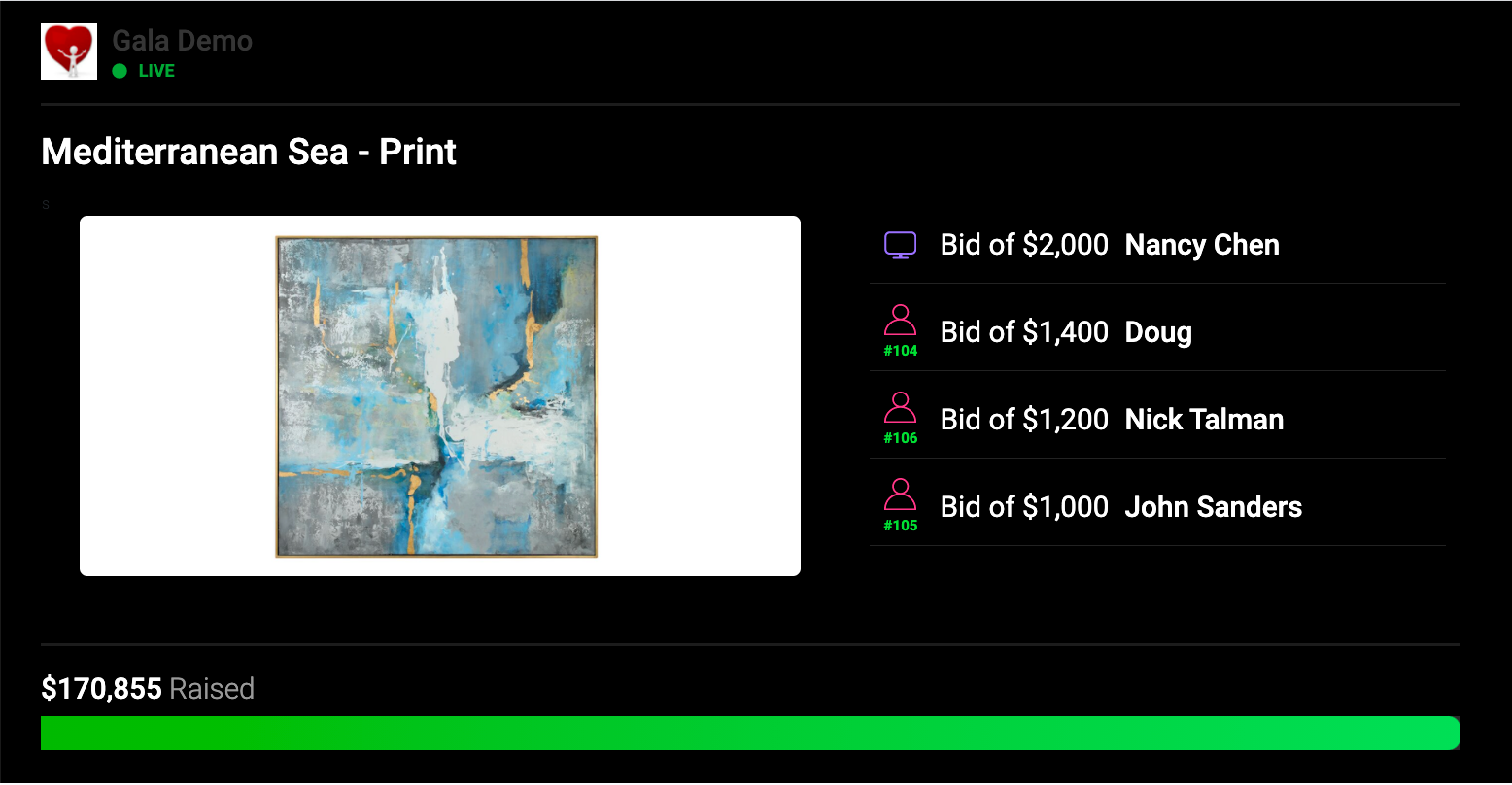
During the program, present the agreed opening level and move through the options when the host calls them. Make it clear that every contribution counts toward what the supporter owes and that the last donor wins. At the agreed close, have the producer confirm the winner in PayBee. Review the campaign record for the winner’s name and email, then give participants clear checkout instructions and assign any prize follow-up to the event lead.
Ready to turn these steps into a smoother workflow?
Last Hero is a live fundraising game where the final donor is the winner. A supporter can donate more than once, and each contribution adds to their amount owed. Set clear expectations about the prize, how the levels are presented, and when the game ends. Give your producer and host cues for each transition so participants know when the next level is open. At a hybrid fundraiser, rehearse what the remote audience sees and how the room’s entries are handled, then agree on what the producer should do when the host calls the end.
Bring these capabilities together in one connected platform.
Explain the objective before showing the first giving level. A guest can participate more than once, and each gift adds to what they owe. The winner is the last donor when the game ends. Pair the on-screen instructions with a brief host announcement so both the room and online guests understand the rule.

Set a clear name and amount for each Last Hero option. If you add several levels, note the order in the run of show and agree who will ask the producer to advance. Check each option’s launch settings and preview what remote attendees will see before you prepare the final script for the host.

A hybrid run involves a producer who presents the game and a team communicating with people in the room and online. Rehearse the transition from the preceding campaign into Last Hero and confirm that each audience knows when play begins. Check the exit cue too, so the producer sees when to declare the winner.

Once the winner is declared, check the name and email under the campaign in PayBee. Give the event organizer responsibility for contacting them and coordinating the prize. Participants who contributed repeatedly may want help reviewing their event carts, so make checkout instructions available when the host announces that the game has ended.
Put these tools to work for your fundraising team.
| Capability | How PayBee helps |
|---|
Explore how PayBee can support your full fundraising workflow.
Bring your host, producer, and two example giving levels to a PayBee demo. Walk through the first round, the cue for the final contribution, and how to confirm the winner. Make sure the people running the program and checkout know how participants will move from play to payment.
Book a PayBee DemoQuestions, answered
Still deciding? See the platform in action or start building today.