
Collect Details From Each Guest
Plan Fulfillment Before Sales Open
See how this feature can simplify your next fundraiser.


See how this feature can simplify your next fundraiser.
Decide what the package includes, add the component ticket options, and test a purchase. Then confirm which guest information and fulfillment details each team will need.

List the price, admissions, and extras that make up the package. In the ticket option, enable Combo Ticket and add the component campaign and option combinations with their quantities. A documented example is a sponsorship with a ten-seat table and ten units each of selected extras.

If the base option represents a table, enable the group ticket feature and set the number of people. Choose guest information questions that match the event and decide whether purchasers can invite guests to complete their details. Review quantity and inventory settings before launch so the offered package fits your capacity.
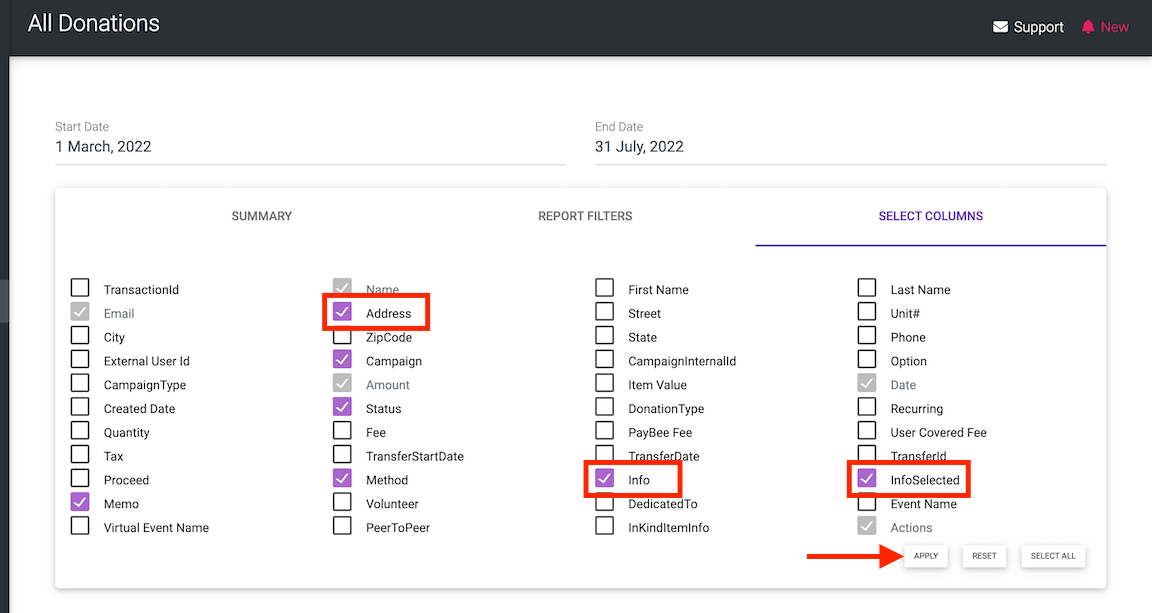
Preview the public offer and run an internal test of the purchaser and guest experience before sharing the package. Verify the names, quantities, confirmation and guest records. Determine who will check in attendees and who will coordinate drink tickets, merchandise, or other items sold as part of the offer.
Ready to turn these steps into a smoother workflow?
Keep guest-bearing admission distinct from simple ticket items when you configure the components. A sponsorship can include a table and separate ticket options for goods or activities. Review the guest list alongside the order and plan how event staff will distribute items that do not require check-in.
Bring these capabilities together in one connected platform.
Combo Ticket settings allow component options from the same ticket campaign or another campaign. Select the existing options and enter the quantity for each component. Describe those items in buyer-friendly terms and verify the package before making it available to guests.

Enable the group ticket option if the base represents several people, then specify how many guests it includes. A ten-seat table can carry ten guest places. If your ticket campaign collects guest information, make the guest requirements clear to the purchaser and follow up before the event.
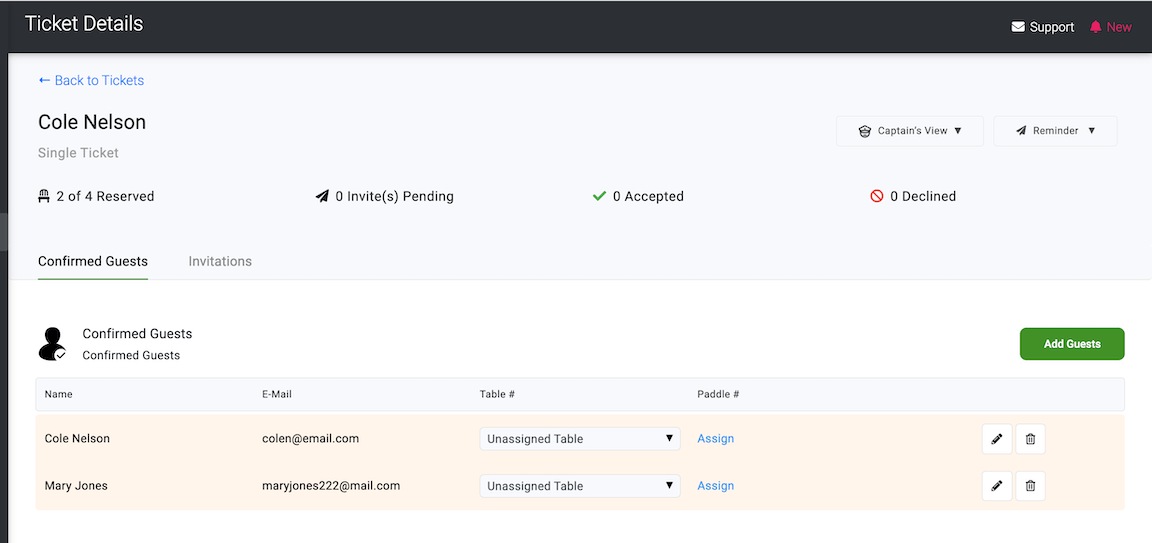
Ticket options can have their own prices, transaction limits, and inventory settings where applicable. Decide which items or seats need a cap and test how the combination behaves with those settings. Review the purchaser’s confirmation and transaction details before you launch.

An in-person ticket connected to the event supplies guest records to the attendee list. Simple tickets may represent items that need fulfillment without event check-in. Use a staff handoff that distinguishes named attendees and seating from extras such as merchandise or drink tickets.

Put these tools to work for your fundraising team.
| Capability | How PayBee helps |
|---|
Explore how PayBee can support your full fundraising workflow.
Bring your table size, list of package inclusions, and registration requirements. See how to create the combination ticket and review its guest and component settings.
Request a PayBee DemoQuestions, answered
Still deciding? See the platform in action or start building today.