
Use the Same Campaign in Print
Verify the Scan Before Printing
See how this feature can simplify your next fundraiser.


See how this feature can simplify your next fundraiser.
Confirm that the intended campaign is active, download its code, and scan the final artwork on a phone. Place the code where supporters can read it and act on it.

Find the campaign in PayBee and confirm it is active for your intended audience. Review its name and options before distributing the code. If you need to share a single event or one auction item, use the relevant event link or item QR workflow instead of the general dashboard code.

Open the campaign’s Links & Share tab and download its QR code for print. Copy the campaign URL for email or for an alternative to the scan. Add a short, explicit label such as Donate to the meal program so supporters know what they are opening.
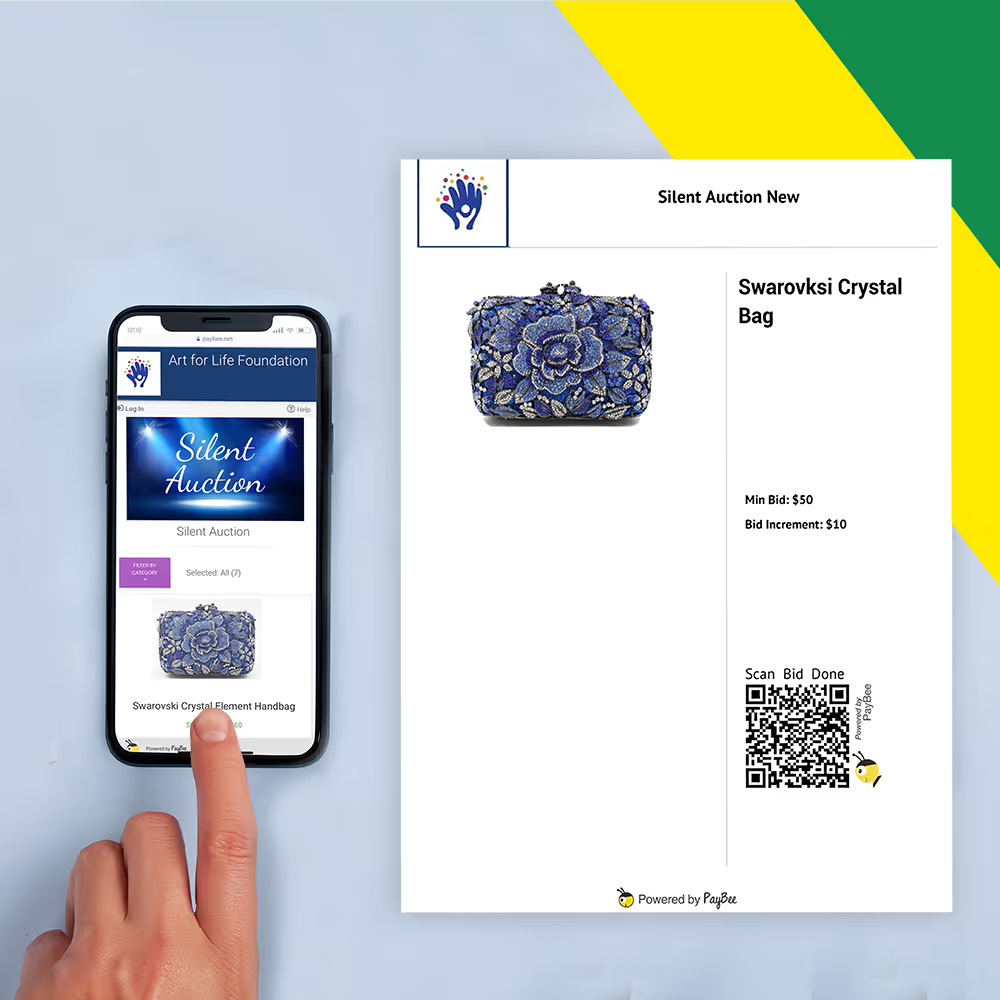
Test the code from the actual design and verify the destination. Try it in the lighting and at the distance where it will be used. Check that the page shows the intended option and remains accessible when you expect supporters to scan it.
Ready to turn these steps into a smoother workflow?
PayBee provides campaign-specific links and QR codes. The dashboard can also share a destination for all active campaigns. Choose the one that matches the sign or handout, and tell supporters what they will find after scanning.
Bring these capabilities together in one connected platform.
Each active campaign can be shared using its own URL or QR code. Select the specific campaign if a poster or table card asks people to act on a single offer. Use the dashboard’s broader code when the goal is to offer a choice of active campaigns.

Download the code from PayBee and place it in the design with room around its edges. Avoid stretching it or setting it over busy content. A sample scan from the finished material is a better check than testing only a clean copy before layout.

A fundraiser may use several codes in one room. A campaign code opens the campaign, an event link directs guests to event information, and an auction item QR sheet points to one listing. Make the label reflect that destination so guests can choose the right scan.
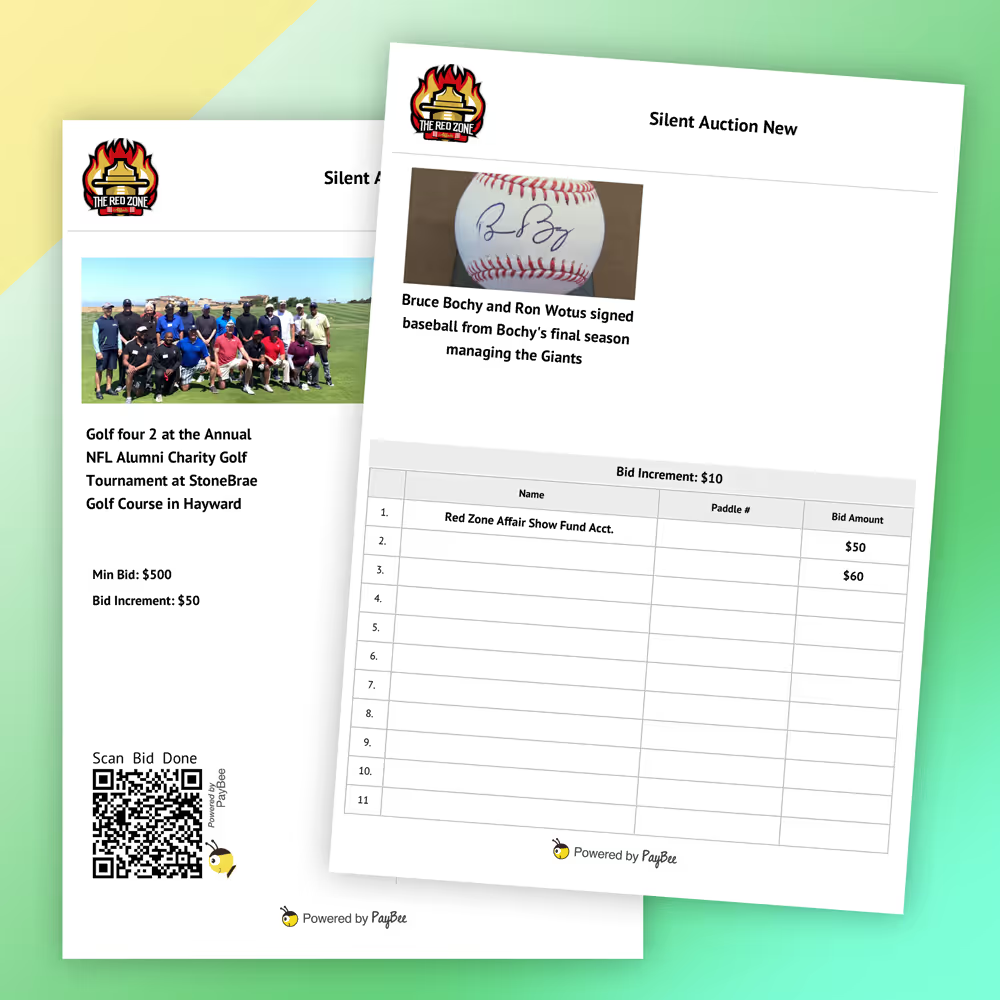
Open the destination from a phone and review the headline, campaign availability, and available options. If you are running a short campaign or placing signs before launch, test the setup around the opening time and keep a separate copy of the intended link for your team.

Put these tools to work for your fundraising team.
| Capability | How PayBee helps |
|---|
Explore how PayBee can support your full fundraising workflow.
Bring your event signage or printed mailer concept. Review the campaign link and QR code together and test the donor-facing page on a phone.
Request a PayBee DemoQuestions, answered
Still deciding? See the platform in action or start building today.