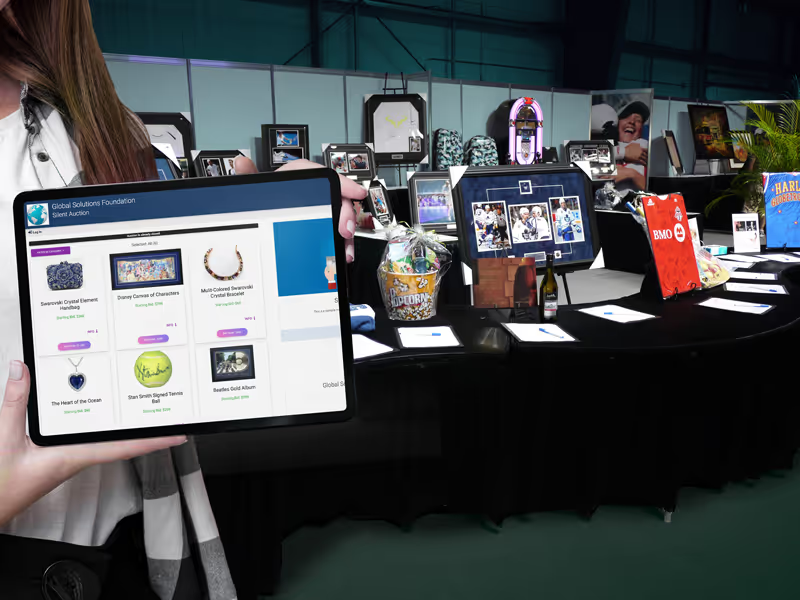
State the purchase price clearly
Track the remaining quantity
See how this feature can simplify your next fundraiser.


See how this feature can simplify your next fundraiser.
Choose which items should have a direct purchase option and set the price and quantity. Review the bidder-facing options, then monitor sales and payments in the auction views as the event runs.
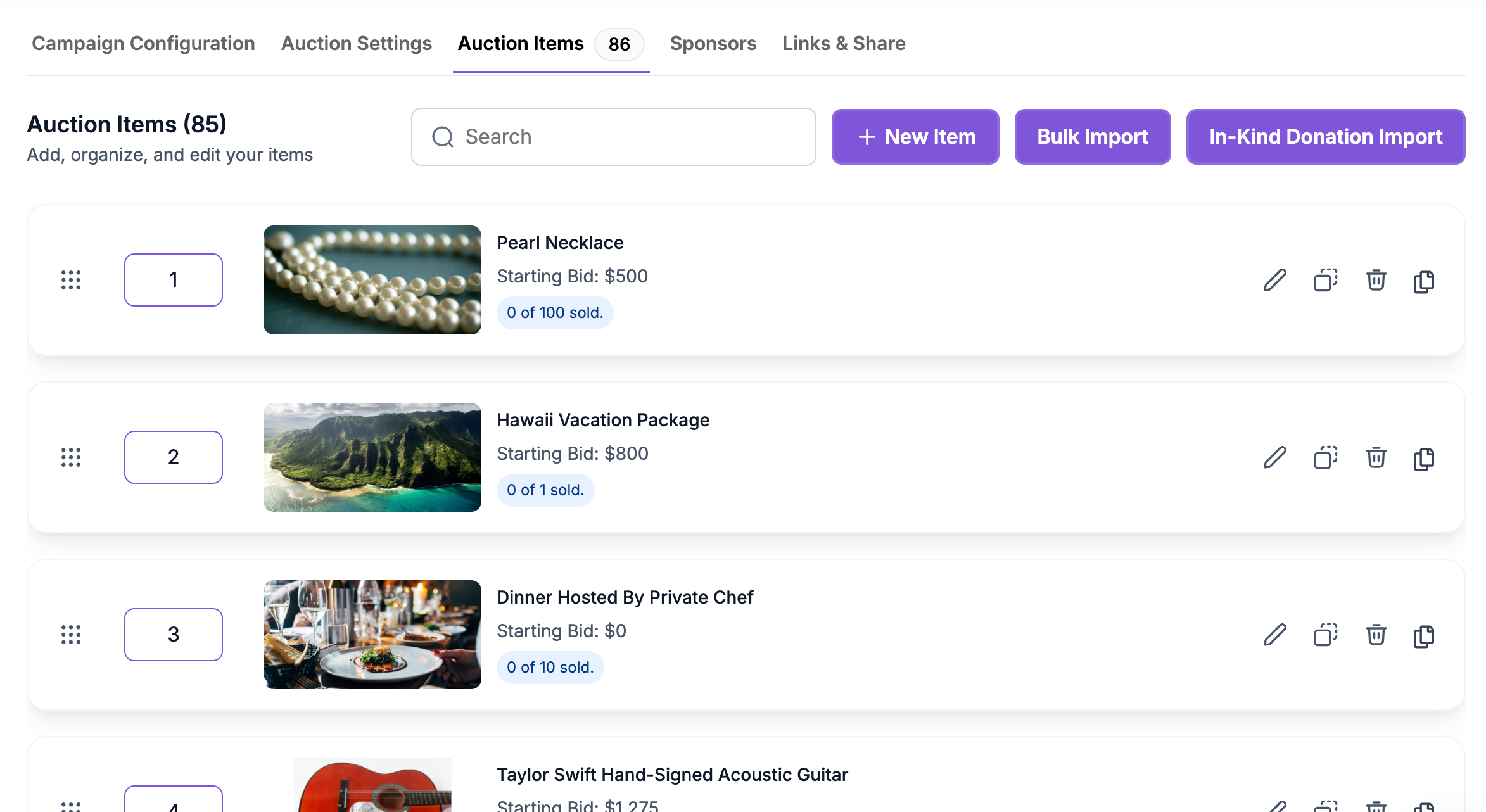
Open the silent auction and review the catalog. Pick the items where a fixed price makes sense, such as a donated experience with several available places. Decide whether each item should keep standard bidding or use Buy It Now Only. Tell the auction committee how items are priced before the catalog opens. Keep the description clear about restrictions, pickup, or the timeframe for redeeming a donated experience.
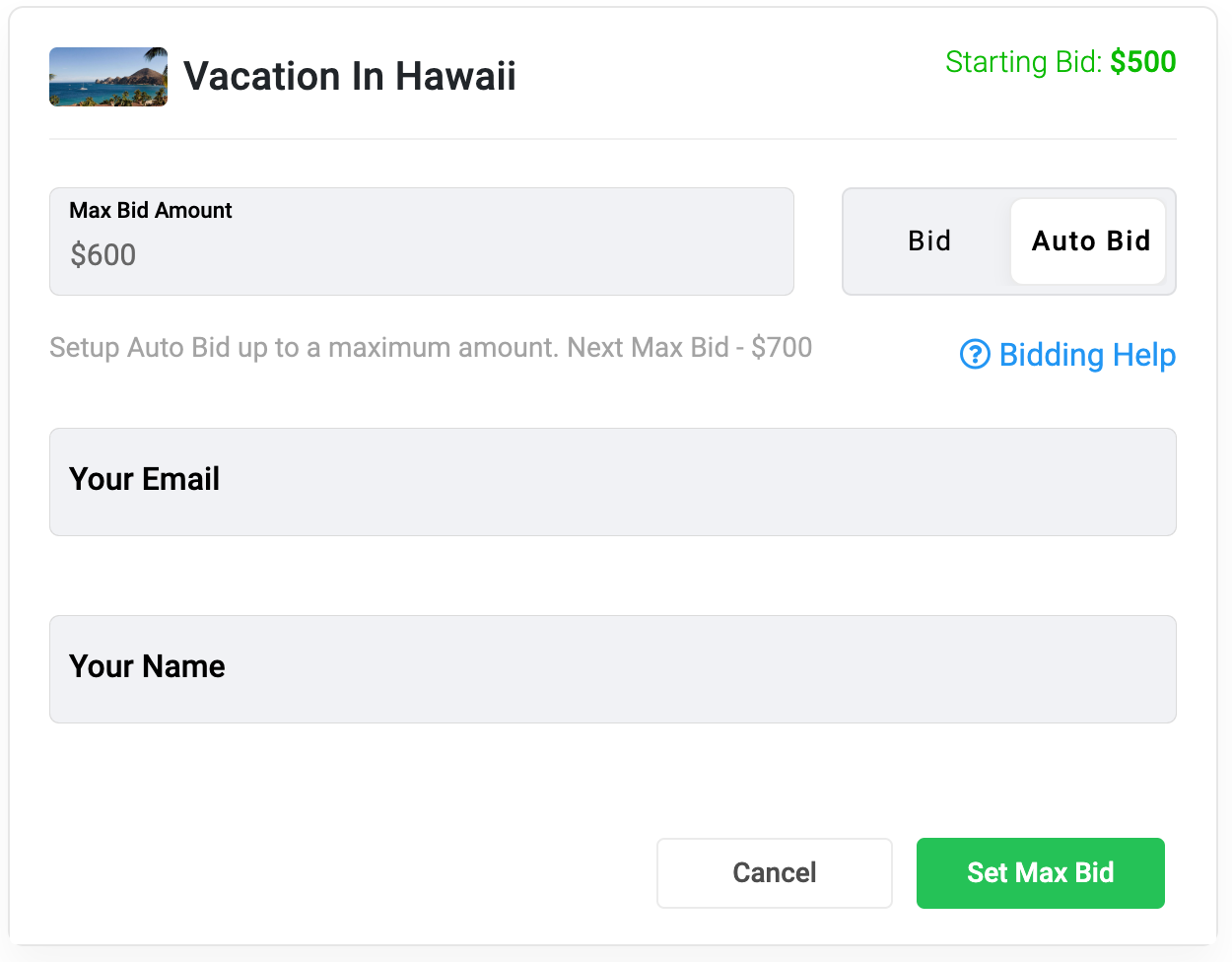
Edit the item and enable Buy It Now, then enter the purchase amount. Use the Buy It Now Only option when the listing should sell without accepting bids. Check the total count and review any sales tax setting your organization applies. For an item that still accepts bids, confirm that its opening bid and increments make sense alongside the purchase amount. Preview the item before publishing the auction link.

Check Manage > Auctions while the auction is active to review bidding and available items. A Buy It Now purchase reduces the quantity available to eventual bidding winners. Review the Paid and Pending tabs for payment follow-up, and download the Bidders & Items report if your team needs to reconcile item sales and winners. Use the details in each item listing when confirming delivery or pickup with supporters.
Ready to turn these steps into a smoother workflow?
Buy It Now is set per item. One listing can accept bids while also offering a direct purchase price. Another can use Buy It Now Only for something your nonprofit wants to sell at a fixed amount. Supporters can decide whether to purchase or wait for bids to close when both choices are offered. Staff can watch activity, review sales, and check paid and pending transactions from the same auction management area.
Bring these capabilities together in one connected platform.
To accept bids and purchases on the same item, enable Buy It Now and enter a price. If all available units remain unpurchased, eligible bids can win at close according to the auction’s settings. Check the listing so supporters can distinguish the immediate purchase action from placing a bid.

Use Buy It Now Only for a listing that should be purchased without bidding, such as a donated experience with places sold individually. PayBee’s guide describes purchasing one unit at a time in this format. Choose a campaign type that fits if your guests need to buy several places at once.
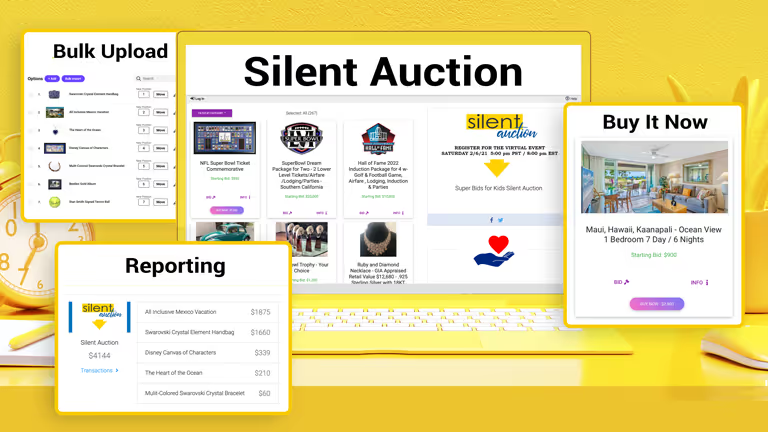
A Buy It Now purchase removes a unit from the count that can go to winning bidders. If all units sell in advance, the item has no remaining winners from bidding. Watch the remaining count and make sure the auction team understands the rule for items offered in multiple quantities.
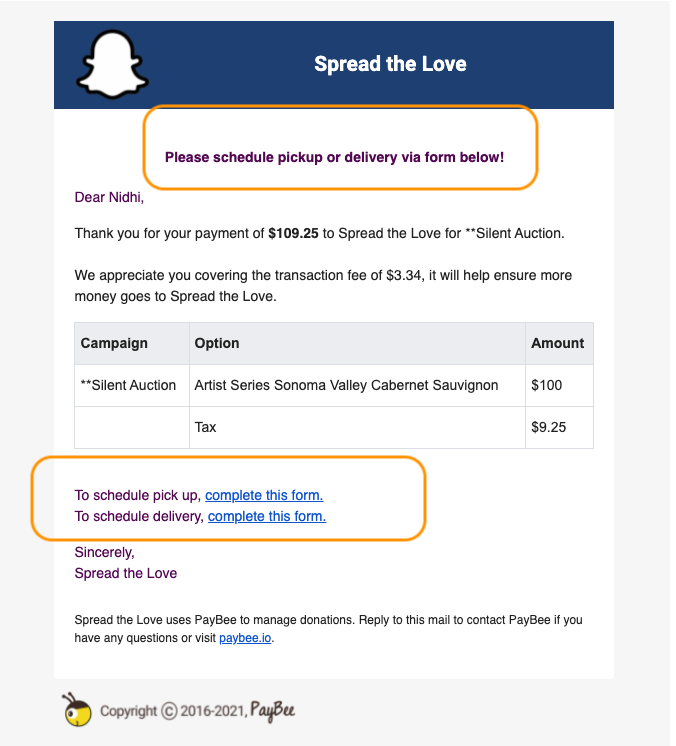
Use the auction’s Paid and Pending views to review transactions. If staff are coordinating distribution, use the item and purchaser details to verify what each supporter should receive. The downloadable Bidders & Items report provides another way to review item activity while preparing the final auction records.

Put these tools to work for your fundraising team.
| Capability | How PayBee helps |
|---|
Explore how PayBee can support your full fundraising workflow.
Bring a few examples from your auction catalog and decide which items guests should be able to purchase directly. In a demo, review item setup, the bidder-facing options, and the payment views your staff will use when the auction closes.
Book a PayBee DemoQuestions, answered
Still deciding? See the platform in action or start building today.